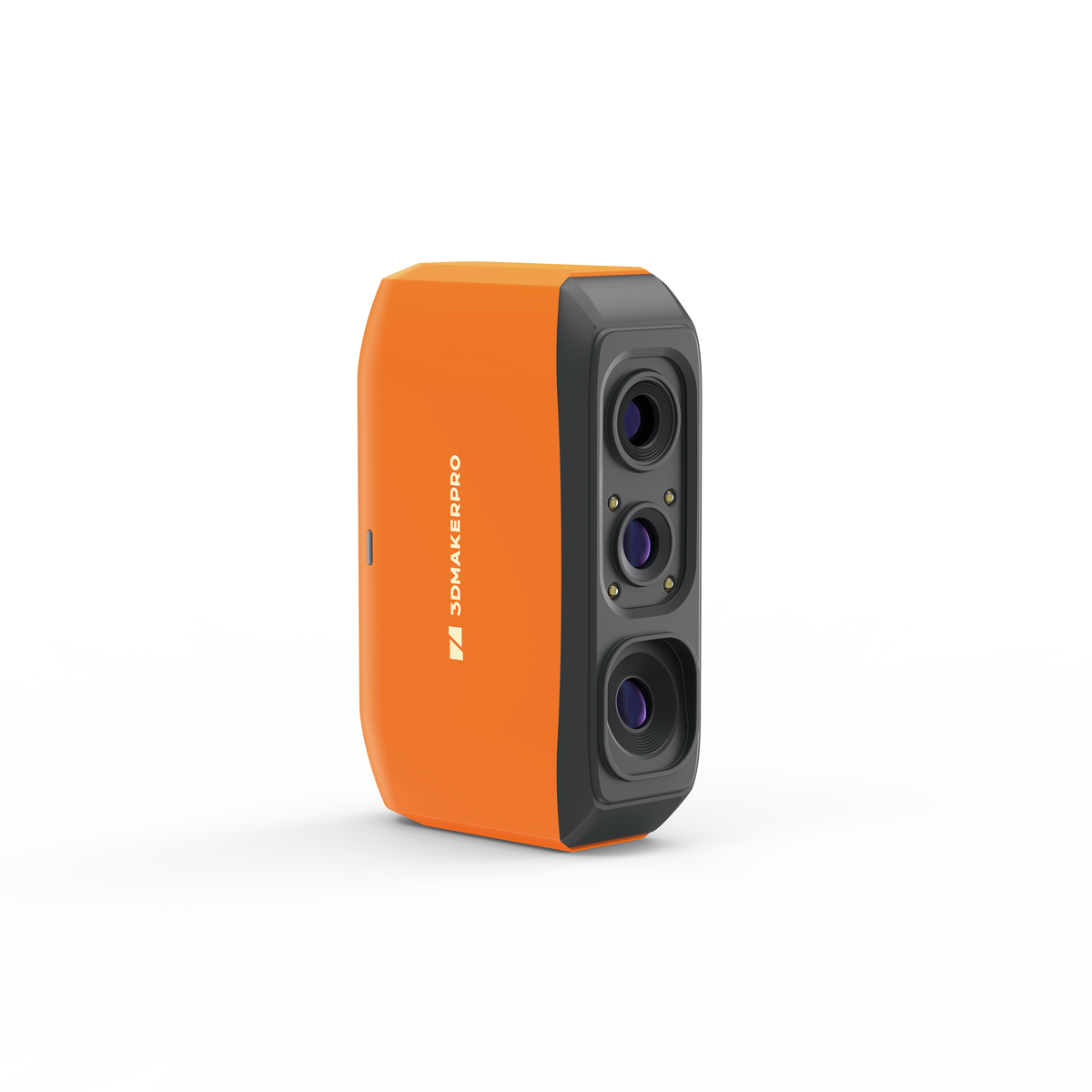
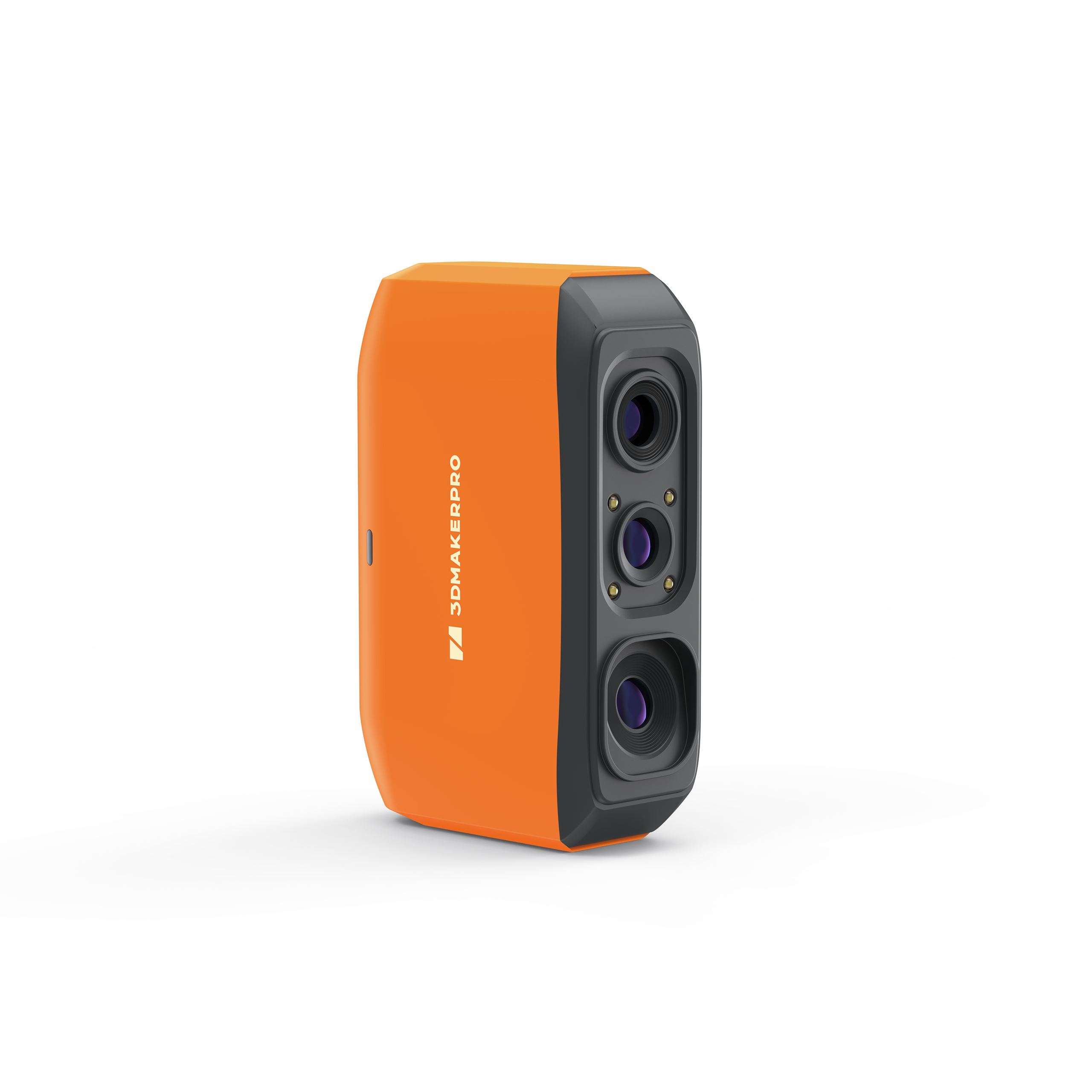
Fox 3D Scanner

Entry-levelMedium-format
  • 0.07mm Accuracy
  • 210g Ultralight
  • AI SLAM
  • Scan objects from 40mm to 1200mm
Sale price$199.00 Regular price$249.00
Save $50.00
In stock
Select Addons
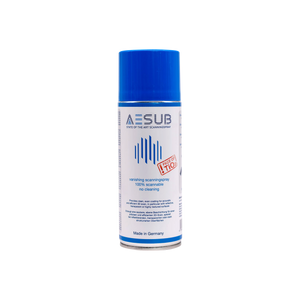
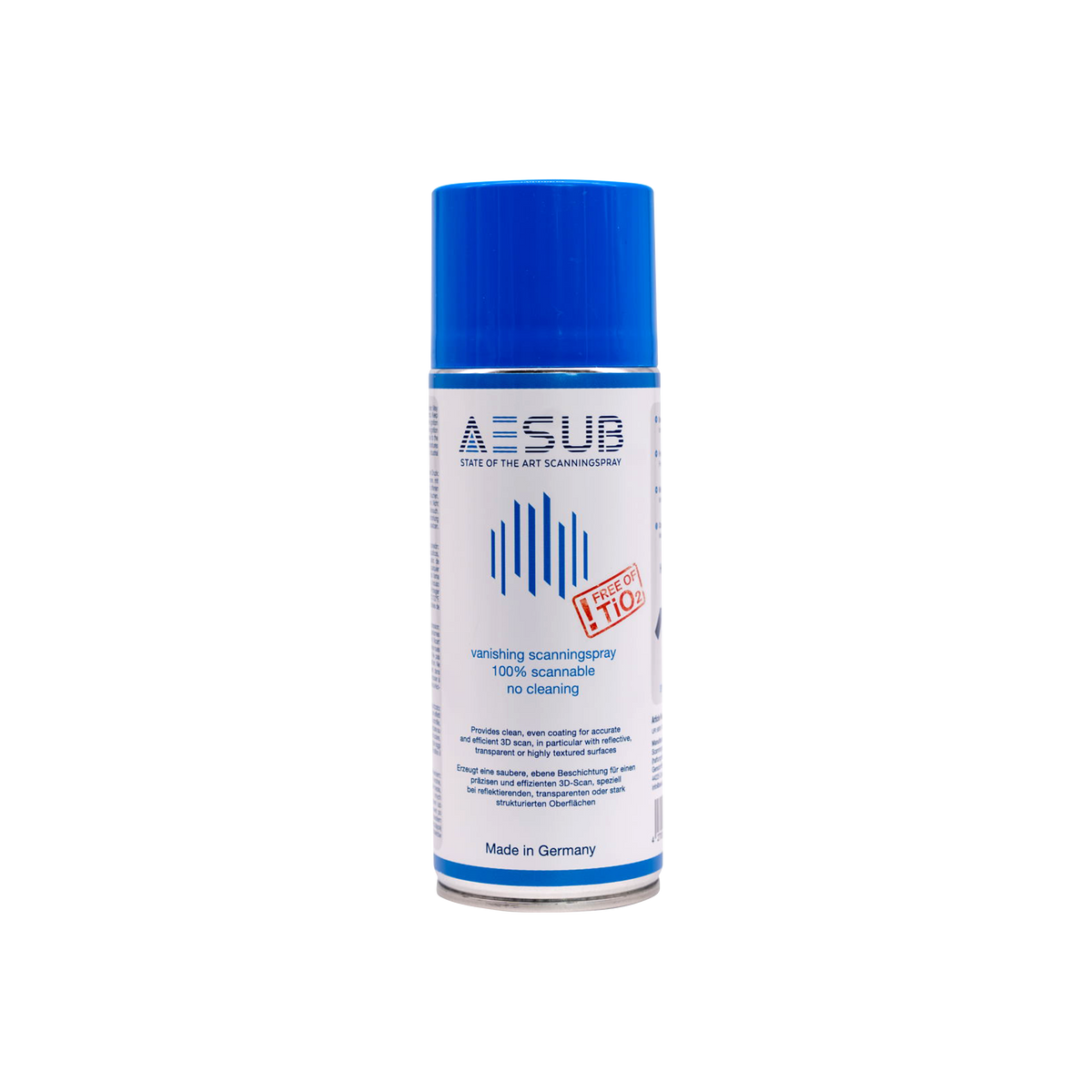
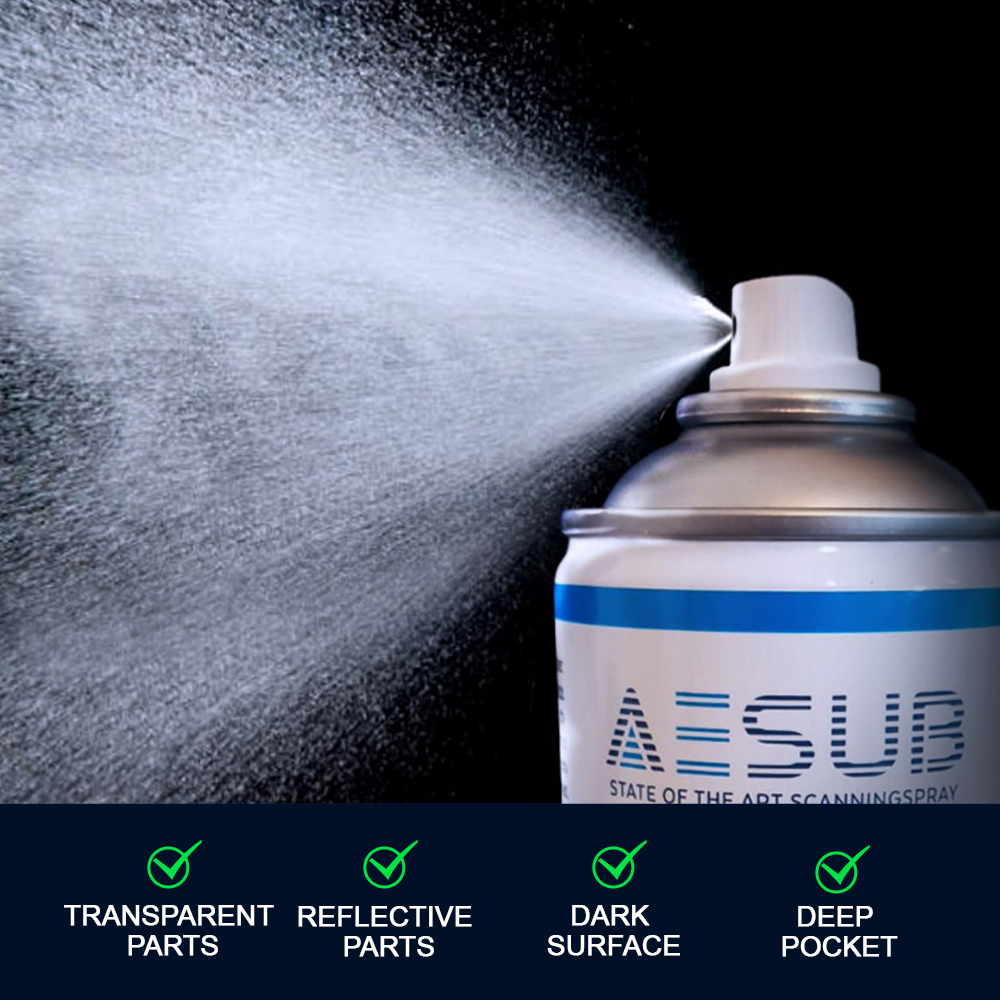
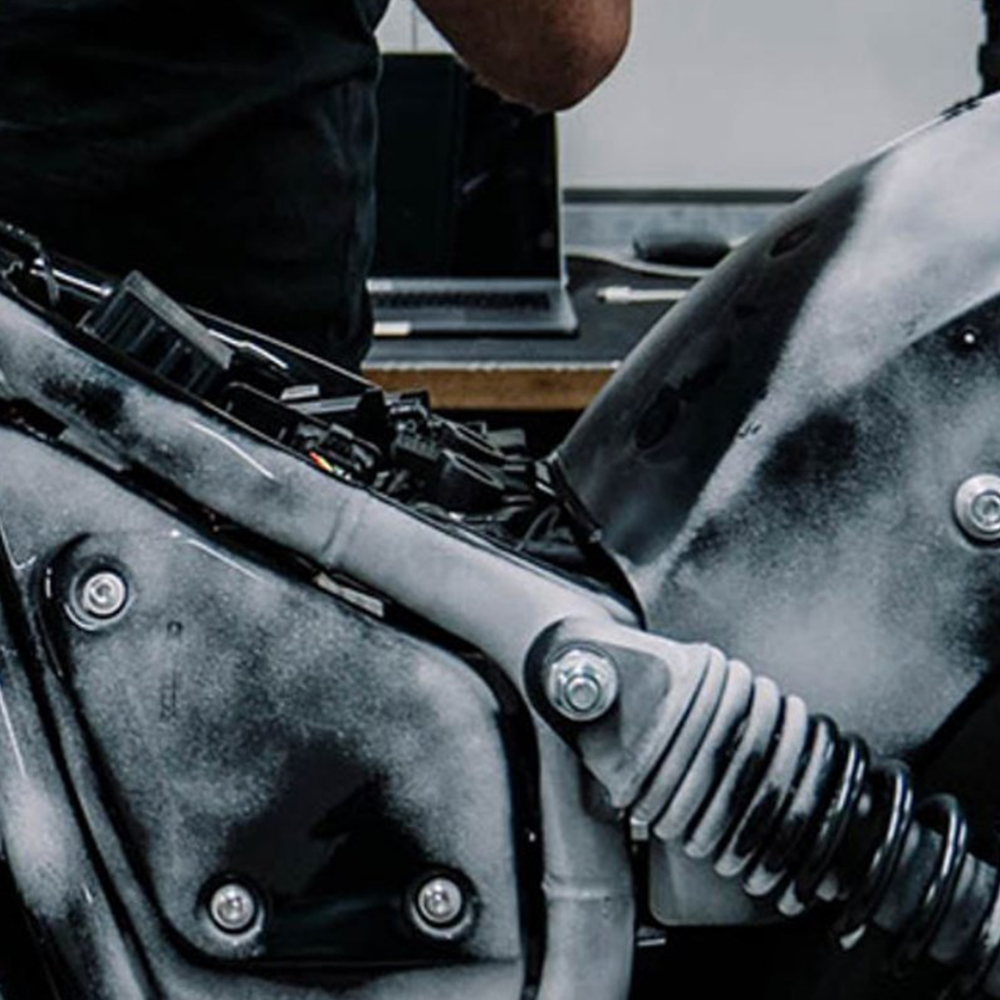
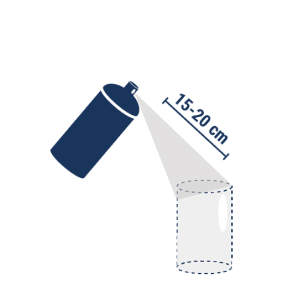
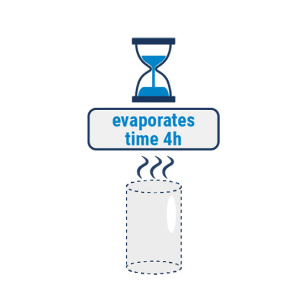
Using AESUB Blue Scanning Spray could improve the scanning quality when scanning silivery or transparent objects.

AESUB Blue Scanning Spray 400 ml

Evaporating developer spray with no residue — ideal for transparent, reflective, or dark surfaces.
$31.00
$39.00
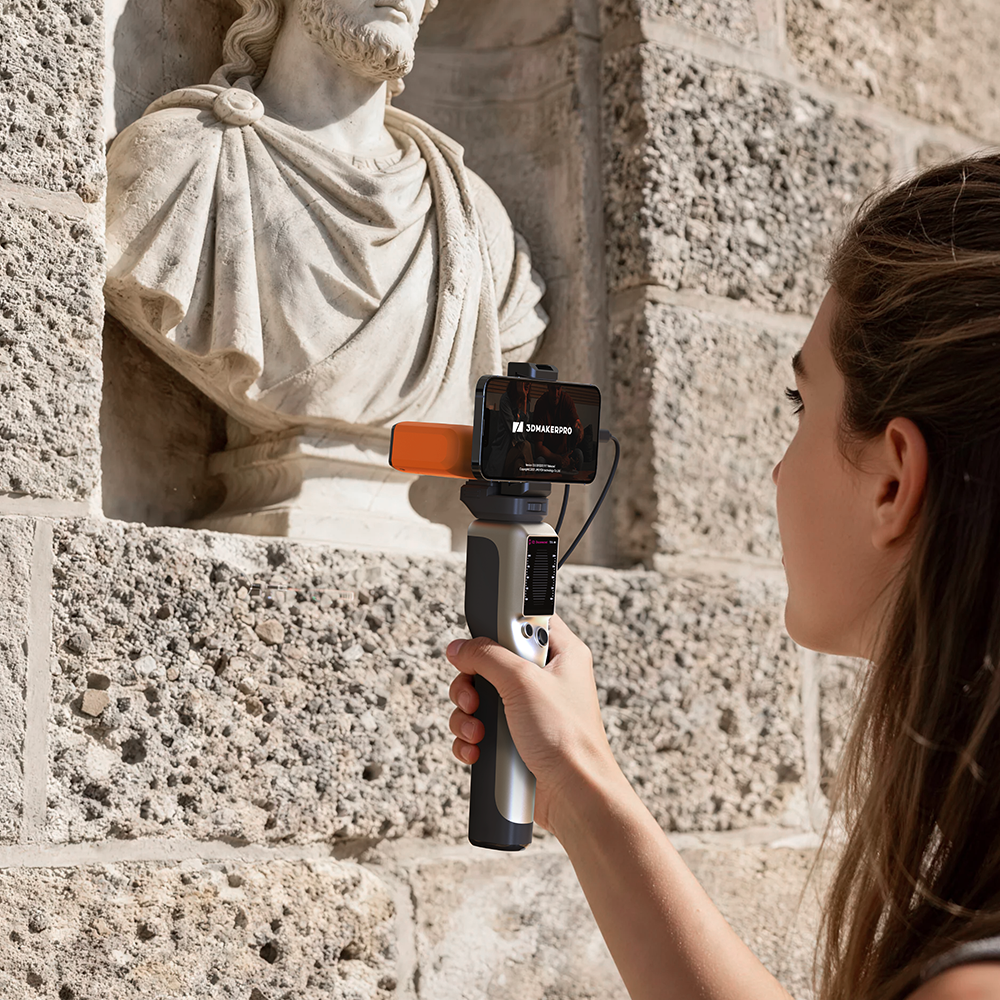
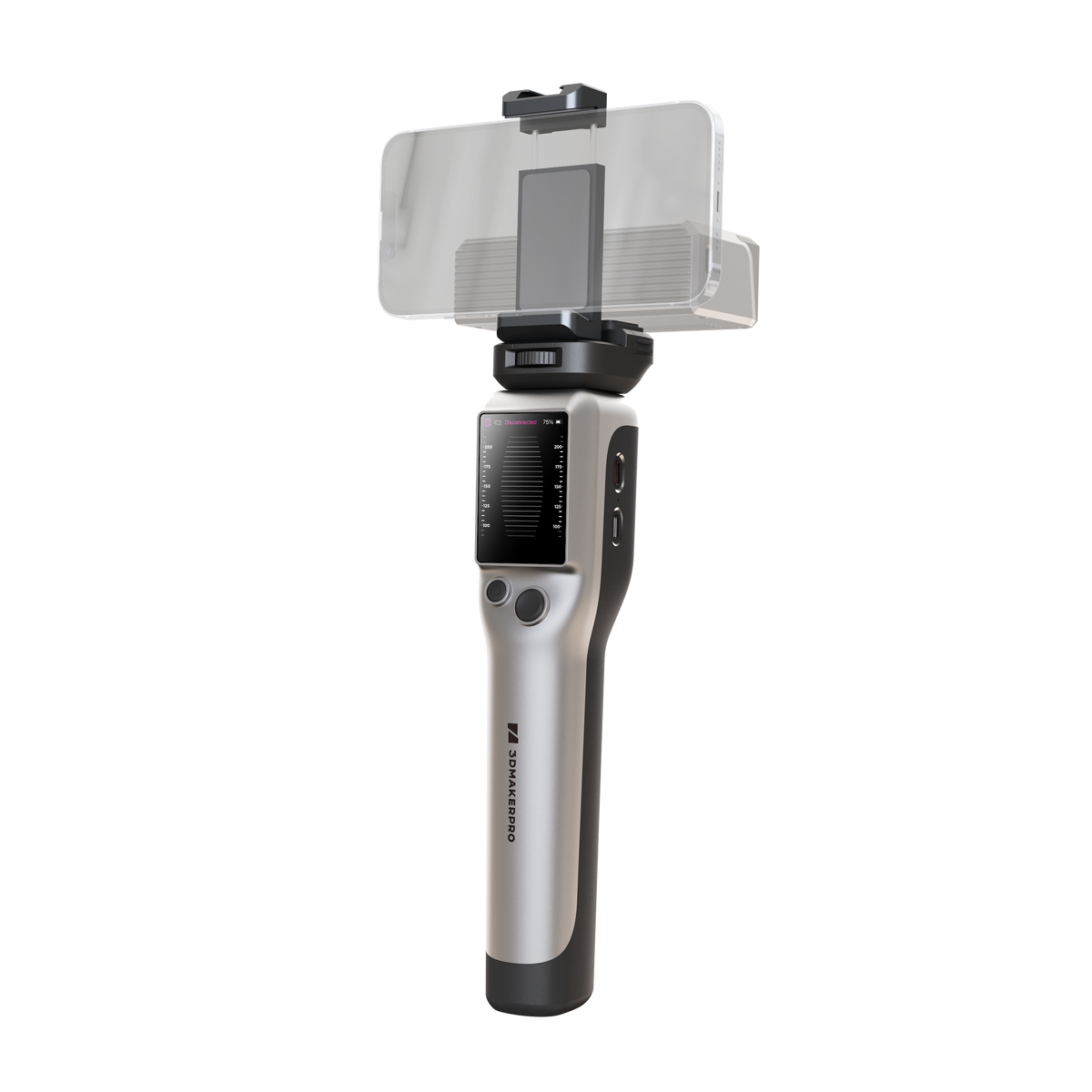
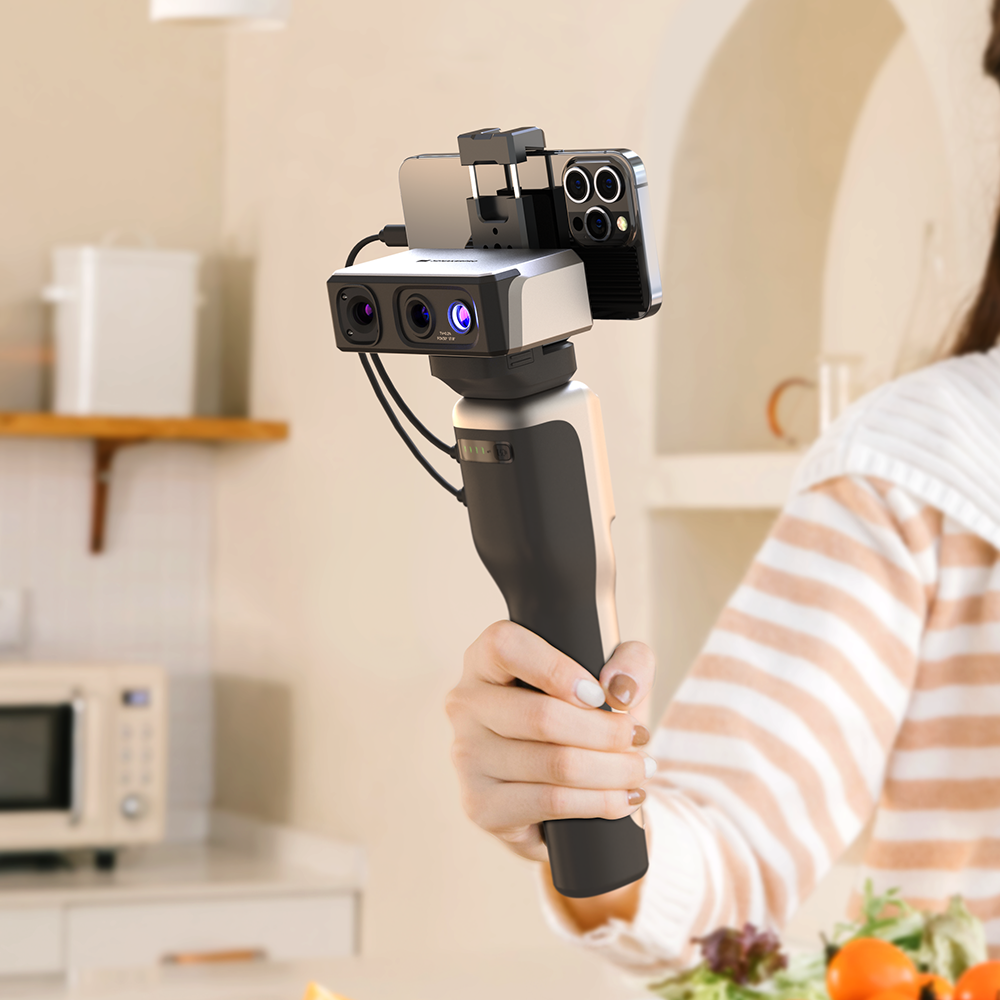
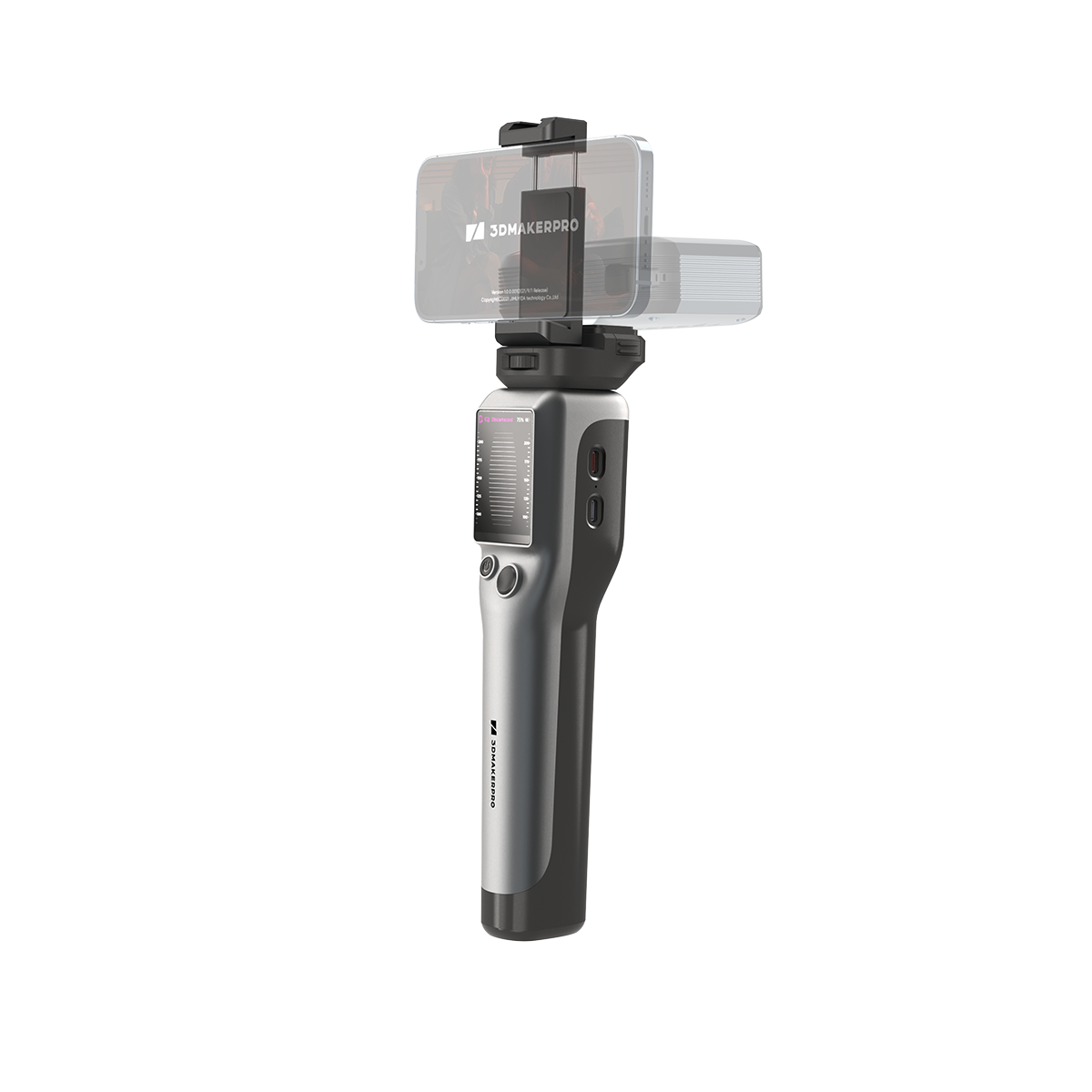
3DMakerpro Smart Grip connecting Seal or Moose series scanners to a smartphone for on-the-go portable 3D scanning.

Smart Grip

Smart Grip connects Seal/Moose to your smartphone, enabling on-the-go scanning.
$239.00
$299.00
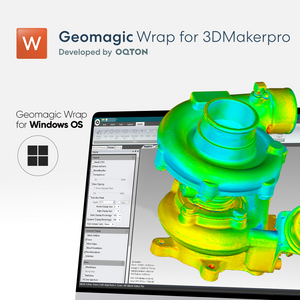
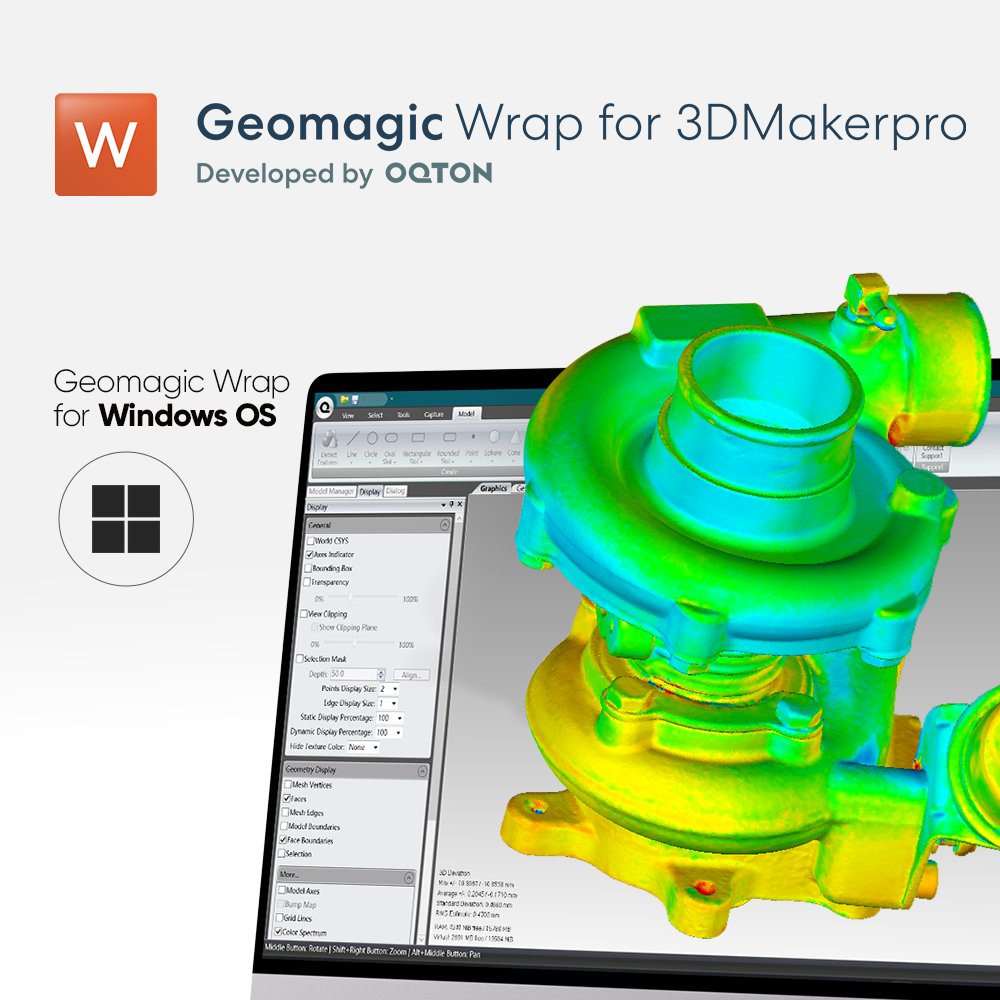
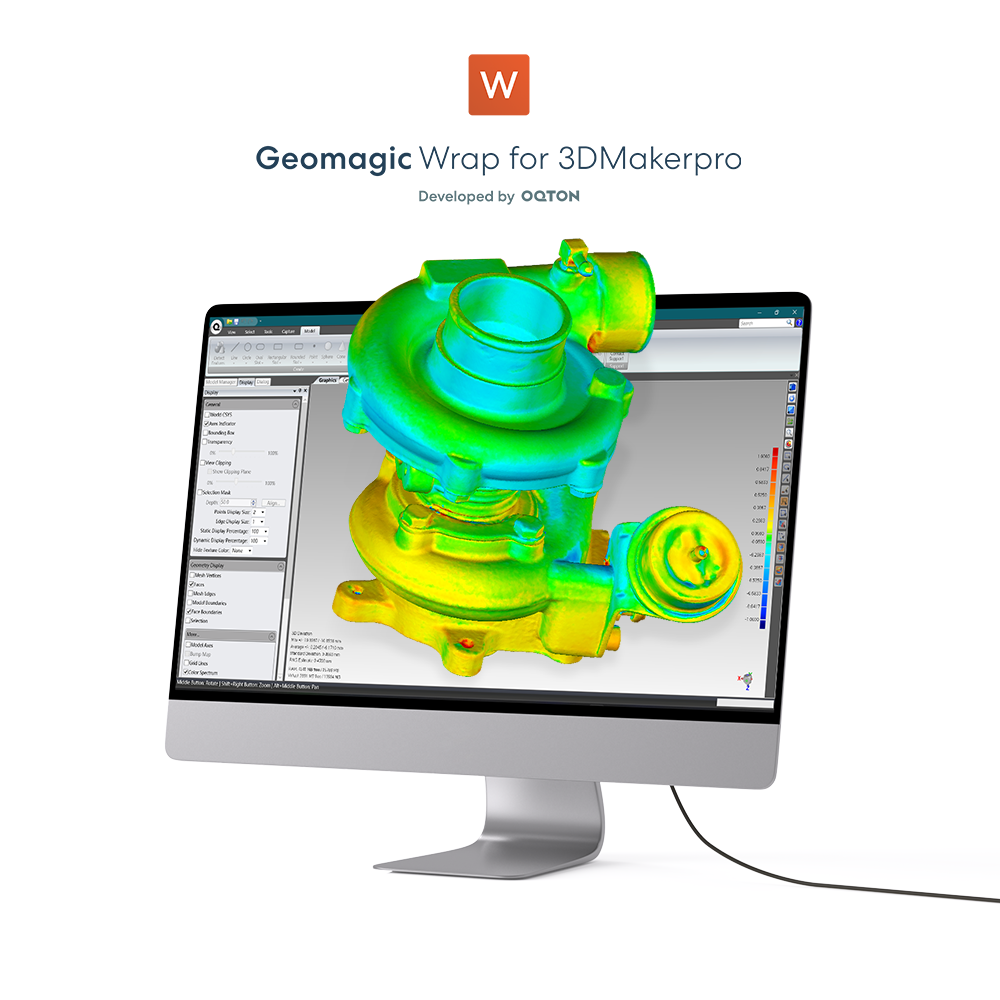
Geomagic Wrap for 3DMakerpro Lite edition software interface for basic 3D model processing.

Geomagic Wrap for 3DMakerpro (Essential)

Essential software for reverse engineering and advanced 3D data processing.
$319.00
$399.00

Two-year warranty

Free Scanning Software

Pro-Grade Scanning, Made Accessible.

0.07mm accuracy. Same proven software as our pro-grade scanners. Built for people who are just getting started.

What will you scan first?

The most-scanned objects by 3DMakerpro users — Fox handles them all.

Body & wearables

Scan your hand, face, or body for custom grips, fits, and one-of-a-kind prints.

Parts & prototyping

From brackets to brake components — digitize metal parts in minutes, ready for CAD.

Shoes & soft goods

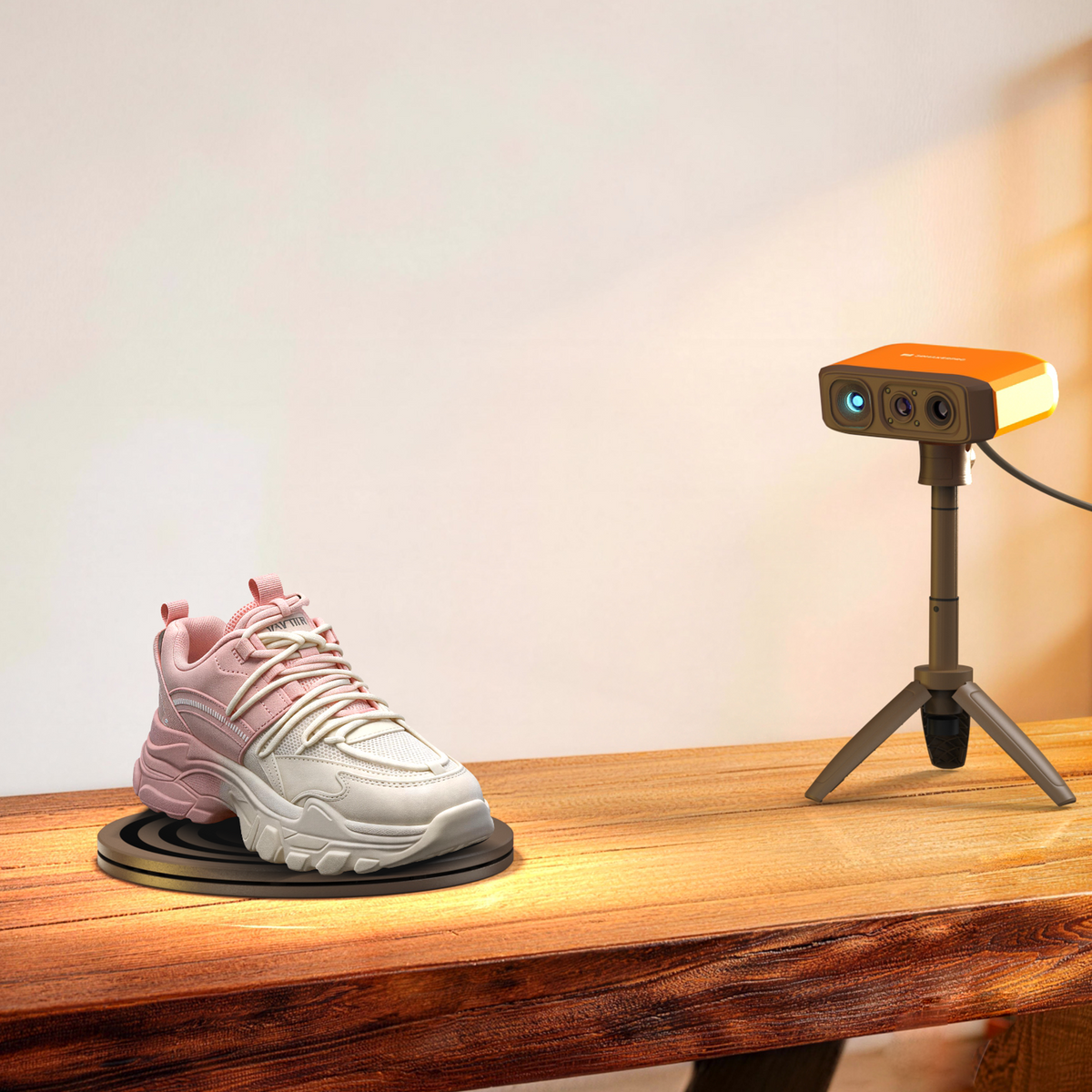
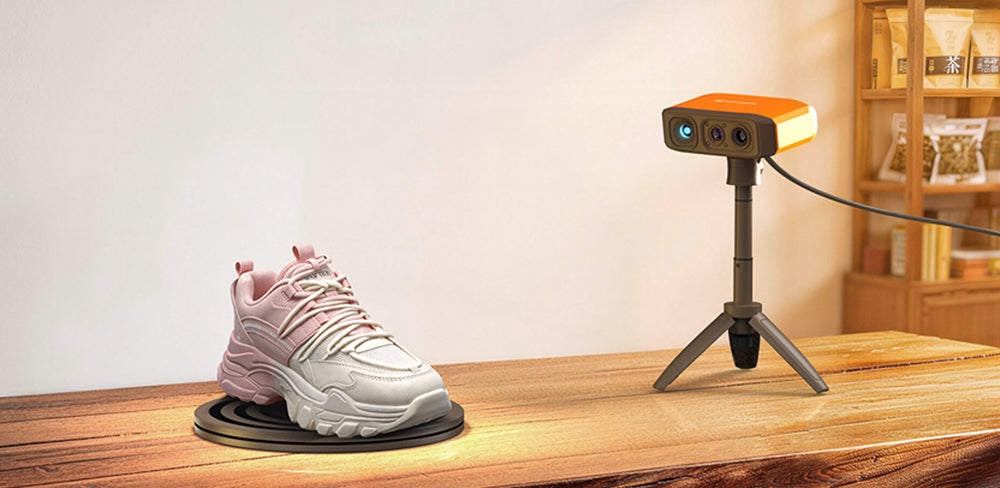
Sneakers, leather goods, soft materials — scan your collection with crisp geometry and fine detail.

Collectibles & figurines

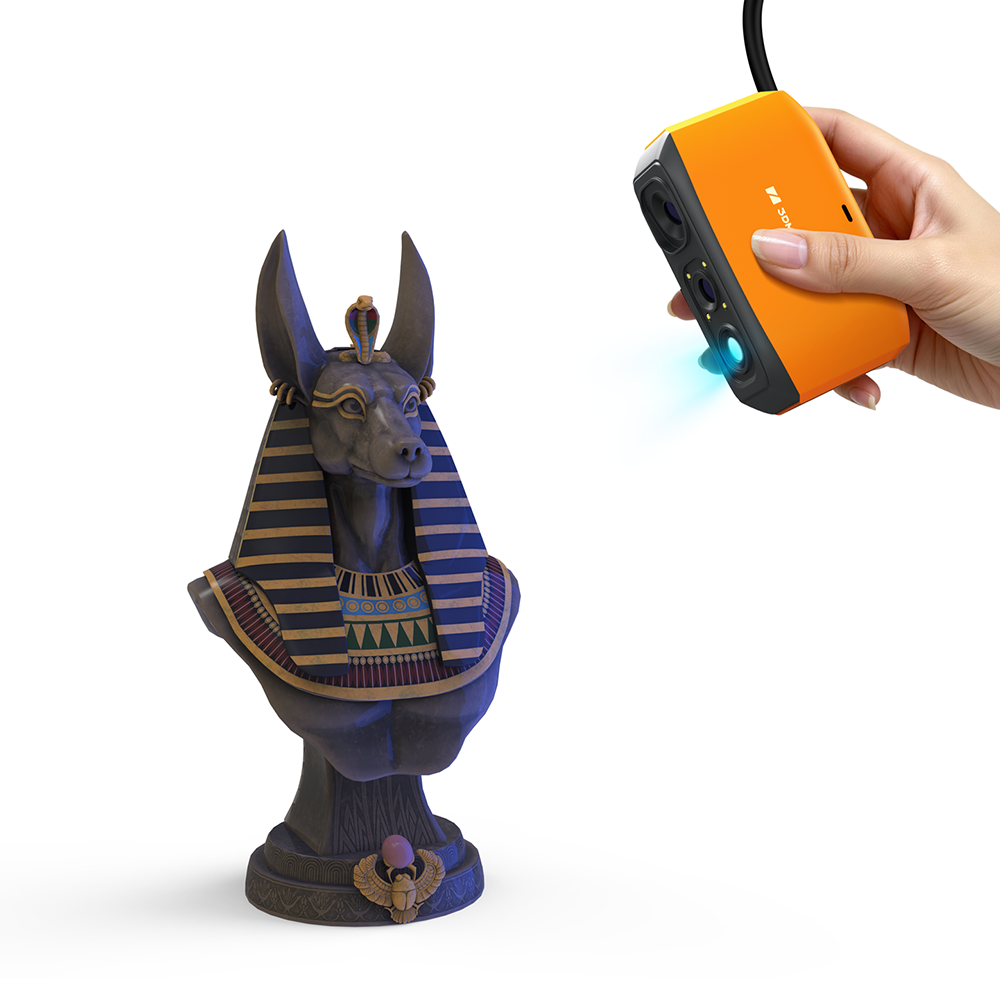
Preserve and replicate sculptures, toys, and display pieces with crisp detail.

Precision you can see. Detail you can print.

Precision you can see. Detail you can print.

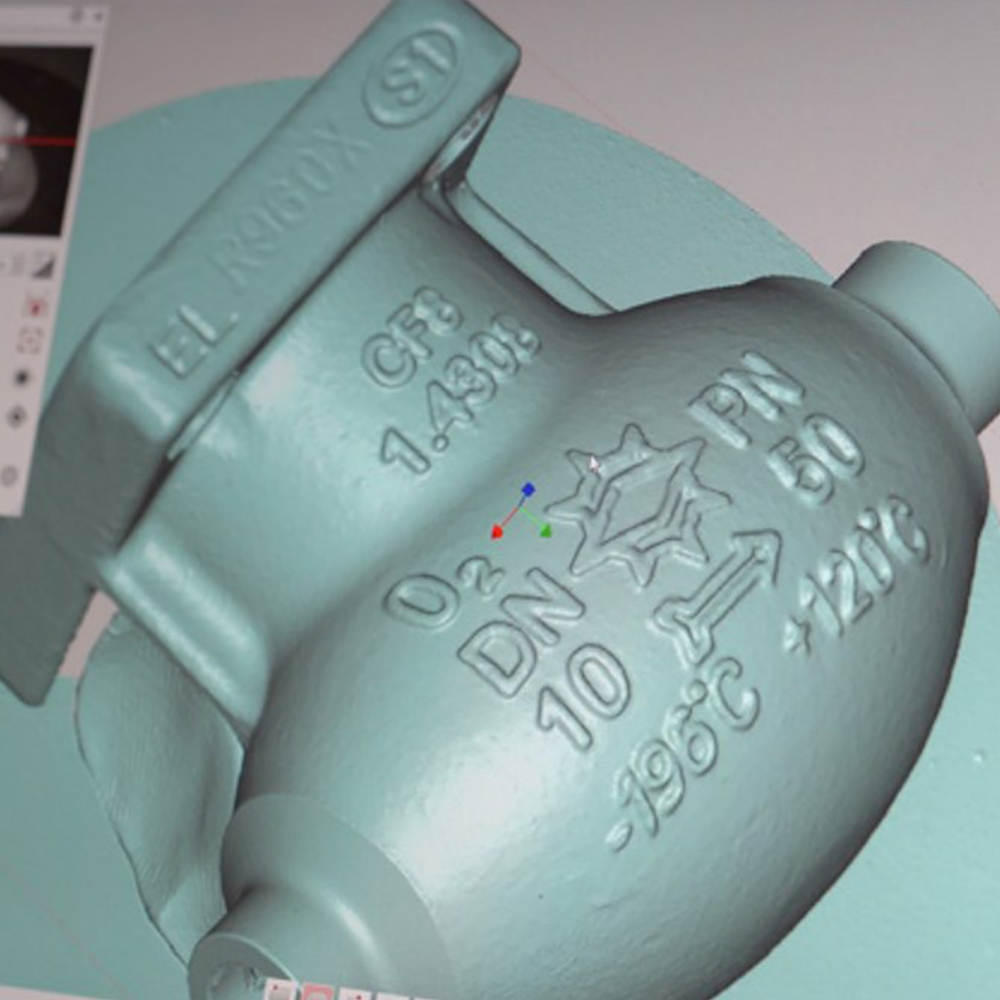
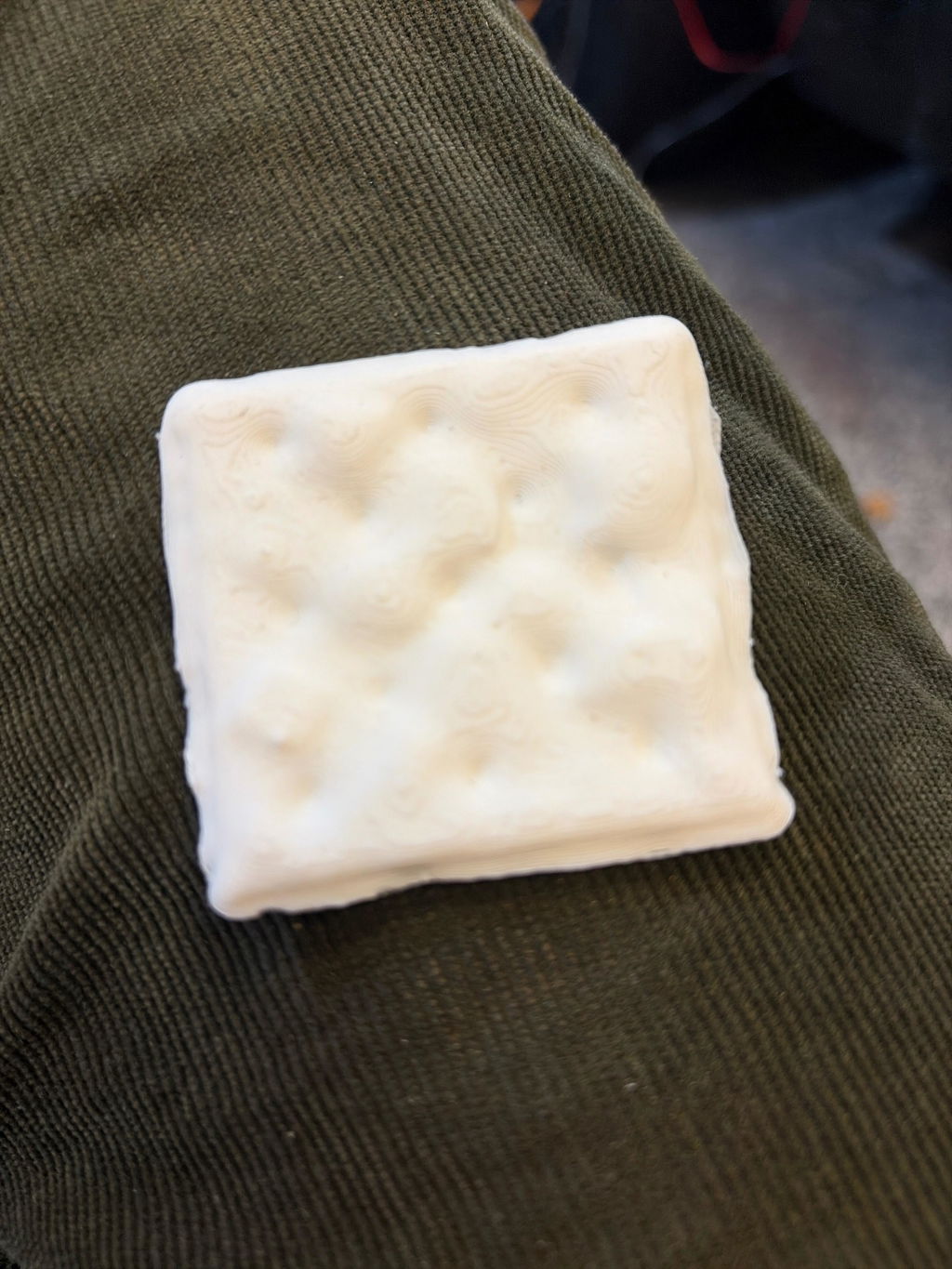
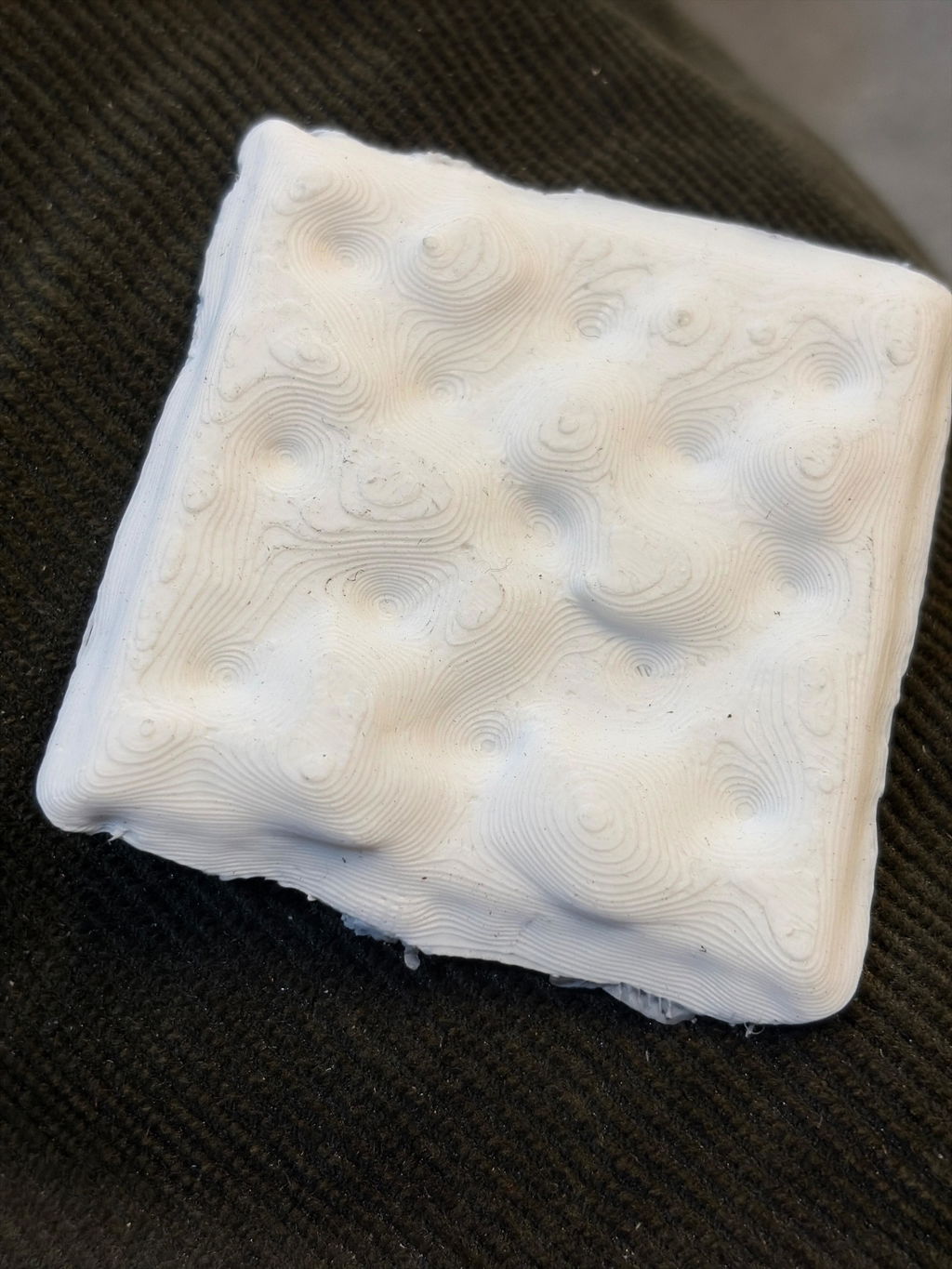
At 0.07mm accuracy and 0.10mm resolution, Fox captures the kind of detail that makes scans truly useful. From smooth curves to fine grooves — detail that holds up under close inspection, ready for 3D printing, modeling, or measurement.

Accuracy — Fox vs. typical entry-level scanners
Fox
0.07mm
Others
0.10mm
Resolution — Fox vs. typical entry-level scanners
Fox
0.10mm
Others
0.16mm

Scan with confidence.

Fox + JMStudio handle the hard parts — so you don't have to. Built on the same proven software trusted by tens of thousands of 3DMakerpro users.

01 — REAL-TIME GUIDANCE

See your model come to life — as you scan.

No guessing. No blind scanning. JMStudio shows you a live 3D preview while you work, with on-screen indicators for distance and tracking status. First scan? The guided setup walks you through every step.

  • Real-time point cloud preview
  • Live distance and tracking feedback
  • Quick Start guide for first-time users

02 — SMART RECOVERY

Lost tracking? Fox finds it again.

Moved too fast? No problem. AI feature recognition relocks onto your object in seconds. Just point Fox back at the area you've already scanned — the software picks up where you left off. No need to start over.

  • AI visual tracking and feature recognition
  • Instant re-lock after tracking loss
  • Continue scanning seamlessly, no reset

03 — One-click processing

Messy scan? One click to clean.

After scanning, JMStudio auto-corrects misaligned point clouds. Then one click runs the full processing pipeline — fusion, noise removal, and mesh simplification — to deliver a clean, print-ready model. No manual cleanup. No expertise required.

  • Auto point cloud alignment
  • One-click mesh optimization (Low / Normal / High presets)
  • Export directly to OBJ / STL / PLY / ASC

04 — Handle more surfaces, with less prep

Less spray. Fewer failed scans.

Matte dark surfaces. Brushed metals. Painted parts. Fox's NIR algorithm works well on many everyday surfaces that typically need scanning spray. That means less prep time and more successful first attempts for common objects like figurines, shoes, and mechanical parts.

  • Good performance on matte dark and low-reflectance surfaces
  • Less spray needed for many common objects
  • Same proven NIR optical system across the 3DMakerpro lineup
Ready in under 10 minutes

Unbox. Plug in. Scan.

No calibration board. No setup wizard maze. Plug Fox into your PC, open JMStudio, and the software auto-downloads your scanner's calibration file. You're scanning in under 10 minutes — even if this is your first 3D scanner.

Unbox. Plug in. Scan.
1

Plug in

USB to your PC or phone (Requires Smart Grip)

2

Auto-calibrate

JMStudio handles it for you

3

Start scanning

Guided workflow kicks in

Capture on

Windows 10/11 macOS 12/13 (M1/M2) Android 10+ iOS 15+

Process & export on

Windows 10/11 macOS 12/13

Specifications

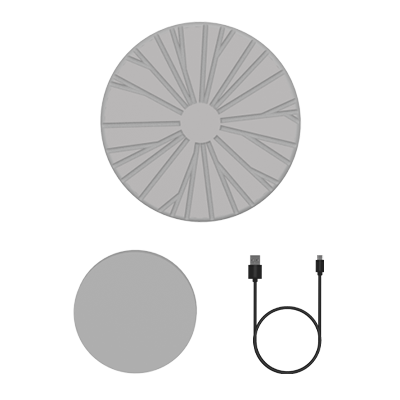
What's in the Box

Fox 3D Scanner

× 1

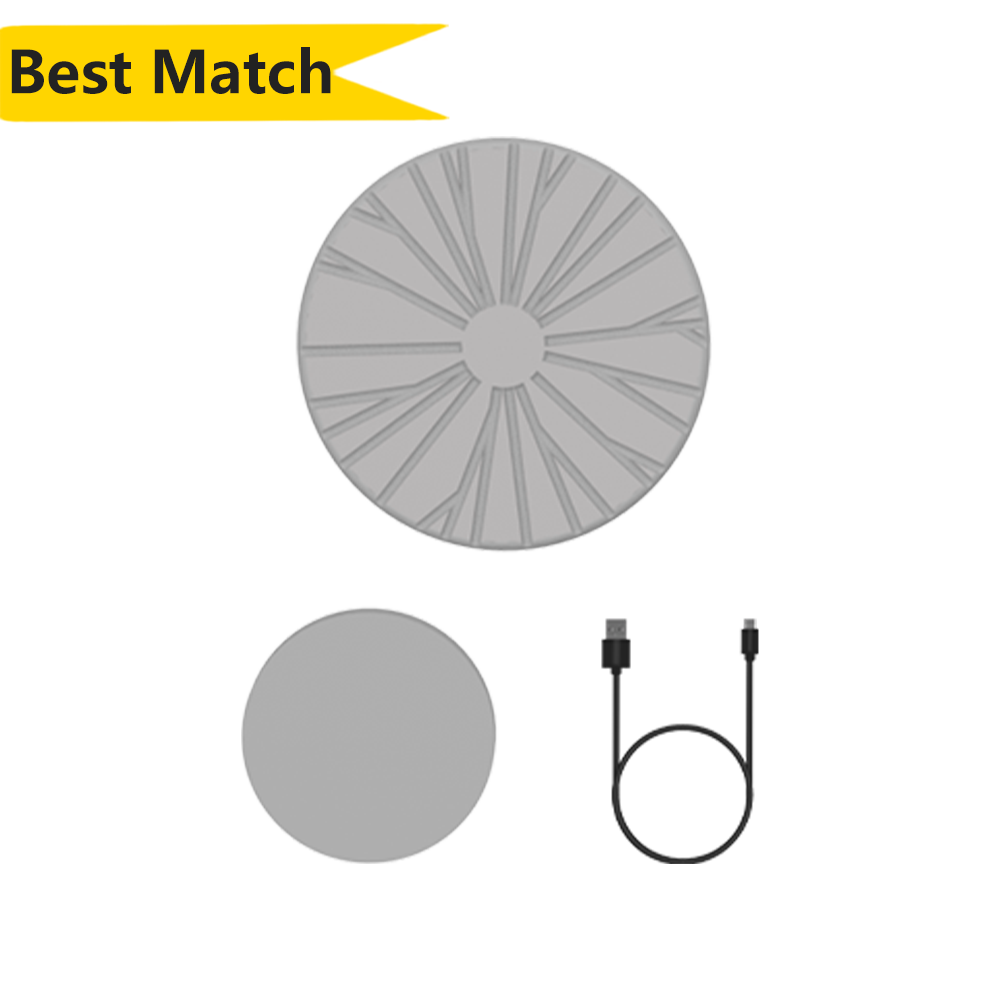
Manual Turntable

× 1

Power Adapter & Cable

× 1

Manual Turntable

× 1

Power Adapter & Cable

× 1

Manual Turntable

× 1

Power Adapter & Cable

× 1

FAQ