Content
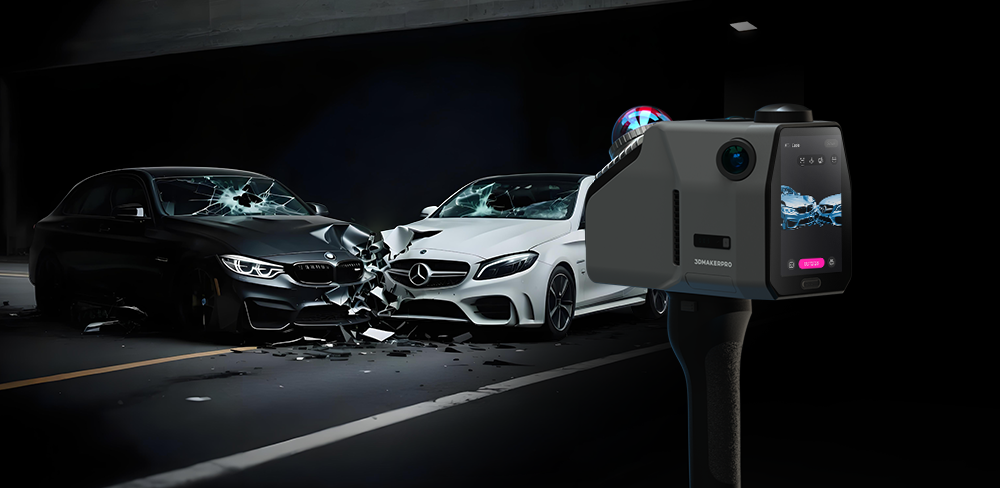
When a car accident occurs, there is an urgent need to record the authentic scene for liability determination, while simultaneously needing to clear traffic to prevent secondary accidents. Facing this dual pressure, traditional recording methods often prove to be laborious and inefficient. The 3DMakerpro Eagle, a new generation Handheld LiDAR Scanner, is designed to rapidly record crash sites, assisting traffic police in completing their work with high efficiency. By digitizing the scene into a precise 3D Point Cloud, it ensures accurate, error-free documentation, bringing immense convenience to our daily lives by restoring safety and order faster than ever before.
A Real-World Case Study: "I Had My Eagle Lying in the Car"
Nothing proves the value of a tool like a real-life scenario. Recently, a user of the 3DMakerpro Eagle found themselves in an unexpected collision. While there were no injuries, the property damage was significant: a deformed driver’s side door on their vehicle and a burst fluid tank, plus a broken bumper on the opposing car.
Instead of relying solely on smartphone photos—which can often look flat and fail to show depth—the user took advantage of the Eagle’s extreme portability.
“Today I got involved in a car accident - no injuries, just a very deformed driver's side door on my side, the accident perpetrator's car has at least its windscreen washer fluid tank burst as well as the whole front bumper broken. While taking photos and swapping insurance details i remember I had my Eagle laying in the car and decided to make a quick scan of the scene. I am not able to create a gaussian splat with my PC setup, but I think it still helps me quite a bit in creating a neat accident sketch and report fast. The first picture is a bird's eye shot of the colored Point cloud, while the second shot is the Black and White Point cloud laid over the Google Maps Screenshot.” -- 3DMakerpro Eagle User
 Aerial view of colored point clouds at the scene of a car accident

Point cloud overlaid on a Google Maps screenshot of the car accident scene
This case highlights the core strength of the device: readiness. Weighing just 1.5kg, the 3DMakerpro Eagle is a lightweight tool that can be deployed instantly. In this instance, it transformed a stressful event into a neatly documented digital asset before the tow trucks even arrived.
1. Rapid Accident Documentation
The primary goal of modern traffic management is to reduce road closure times, yet accident scenes vary wildly in scale and accessibility. A simple intersection might be walkable, but debris trails stretching for hundreds of meters on a highway or wreckage located in difficult off-road terrain pose significant challenges for traditional static scanners or manual walkers. Investigating officers need a way to capture vast areas without fatiguing themselves or stepping into dangerous live traffic, and they need a power solution that won't fail during extended operations.
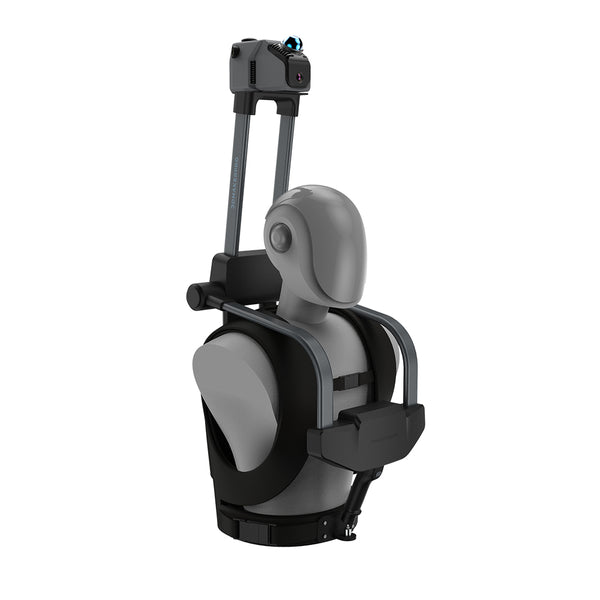
The 3DMakerpro Eagle solves this through a versatile accessory ecosystem designed for any environment. For standard scenes, the handheld mode allows for "grab-and-go" efficiency. For off-road terrain, the Backpack Kit enables hands-free hiking. On highways, the device can be secured to a patrol vehicle via the Automotive Rooftop Mount or mounted on a Bicycle to scan long debris trails safely. For massive pileups, the lightweight unit fits heavy-lift drones like the DJI Matrice 350 RTK. (P.S. If you're working for extended periods, remember to connect an external power bank to ensure uninterrupted operation.)
2. Comprehensive & Objective Data
Subjectivity is the enemy of justice, yet traditional documentation methods are inherently limited. Standard photographs can be distorted by perspective, failing to convey the true depth of a dent or the trajectory of an impact. Moreover, accident scenes are often plagued by difficult lighting conditions—bright sunlight reflecting off shattered glass, deep shadows under a chassis, or the pitch black of night—which can obscure critical details. Investigators require a "Digital Twin" of the scene that is mathematically precise and visually immune to environmental factors.
The 3DMakerpro Eagle ensures the data is comprehensive and objective through advanced sensor fusion. Utilizing SLAM (Simultaneous Localization and Mapping) technology, it constructs environment models in real-time without relying on GPS, making it effective even in tunnels. Equipped with a 48MP 4-camera system, it generates 8K HDR ultra-clear panoramic images. This High Dynamic Range capability ensures that even in high-contrast lighting, the visual data remains rich and accurate, preserving every subtle detail—from paint transfer to tire tread patterns—for future forensic analysis.
3. Liability & Compensation
Determining fault (liability) and assessing damage costs (compensation) requires data that holds up in court. Vague measurements or relative distances are often challenged by defense attorneys and insurance adjusters. To prove exactly where a vehicle was located relative to a property line, a stop bar, or a lane marker, investigators need more than just local measurements; they need absolute global coordinates. Without survey-grade positioning, scan data can "drift" over long distances, potentially invalidating the evidence in a high-stakes lawsuit.
This is where the precision of the 3DMakerpro Eagle meets location intelligence. With a base accuracy of 2cm @ 10m, it allows experts to measure crush profiles with millimeter-level confidence. Crucially, the Eagle supports an optional RTK Antenna & Signal Module. By using RTK, the scan data is anchored to absolute world coordinates with centimeter-level accuracy. This eliminates drift and provides indisputable geospatial evidence, ensuring that insurance claims are processed faster and legal disputes are resolved based on undeniable facts.
4. Resource Sharing
In the traditional workflow, data silos create significant bottlenecks. Physical evidence and reports are often locked away in filing cabinets or local hard drives, making collaboration between police departments, insurance companies, and legal teams slow and cumbersome. Investigators often have to physically visit impound lots to re-inspect wrecked vehicles, wasting valuable time and resources. As agencies modernize, there is a pressing need for a digital infrastructure that allows for instant, secure remote access to scene data.
The 3DMakerpro Eagle acts as a bridge for this digital collaboration. By supporting multi-format outputs (such as PLY, OBJ, and panoramic roaming), the 3D Point Cloud of the accident can be archived in an "Online Police Station." Instead of physically visiting a storage yard, authorized personnel can virtually revisit the scene months later from a web browser. They can measure distances, view angles, and analyze the crash dynamics remotely, seamlessly sharing resources to speed up case processing.

5. Public Education
Data collection is usually seen as a reactive measure, useful only after a tragedy has occurred. However, raw statistics and text-based police reports rarely change driver behavior or influence public policy. To truly improve road safety, traffic authorities need a way to translate complex technical data into something the general public can understand and feel. Visual storytelling is the most powerful tool for prevention, yet creating realistic simulations has traditionally been expensive and difficult.
The high-fidelity data captured by the 3DMakerpro Eagle serves this higher purpose. The Colored Point Clouds and support for Gaussian Splatting allow authorities to create photorealistic 3D simulations of real accidents easily. These immersive visuals can be used for online exhibitions or VR driver education programs. By showing the public exactly how blind spots or speeding contributed to a crash in a hyper-realistic environment, agencies can turn tragic events into powerful lessons that save future lives.

A Practical Guide-- 5 Simple Steps
You don’t need to be a surveying expert to operate this tool. Here is how to capture a comprehensive 3D Point Cloud of an accident scene:
Step 1: Quick Setup & Power On
Align the metal buckle on the handle with the body to lock it. Press and hold the power button for 6 seconds to boot up. The Handheld LiDAR Scanner is now active.
Step 2: Mode Selection
Tap the "Sun" icon on the screen. Select "Outdoor Mode" and enable GPS (or RTK if installed). Name your project clearly.
Step 3: Synchronization
Tap "Scan." Wait about 30 seconds for the cameras and laser to synchronize. When the button turns blue, you are ready.
Step 4: Capture the Reality
Tap the blue button to start. Whether walking, driving, or flying, move at a steady pace. Watch the screen to ensure the point cloud covers all angles, switching between First-person and Overhead views to check for blind spots.
Step 5: Loop Closure & Save
To finish, simply aim the camera direction towards your starting position until the screen displays 0° to close the loop. Tap the timer to stop, hit "Save," and your evidence is secured.
The era of measuring tapes and hand-drawn sketches is fading. With modern tools like the 3DMakerpro Eagle, recording a car accident has transformed from a chaotic manual task into a high-efficiency digital workflow.
By combining the versatility to scan from any vehicle, the precision of RTK, and the visual fidelity of 8K HDR, we are not just cleaning up roads faster—we are preserving the truth. In this new age of digital documentation, this Handheld LiDAR Scanner ensures that everyone can become a recorder of justice by delivering a comprehensive 3D Point Cloud of reality.

Featured collection
LiDAR scanner
Save $600.00
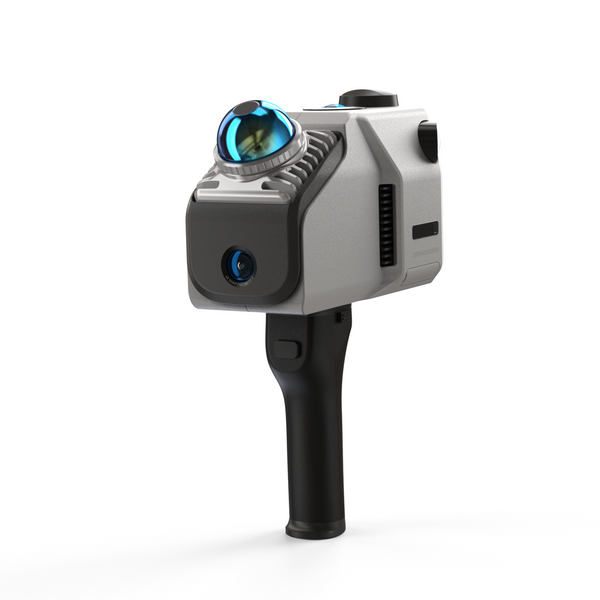
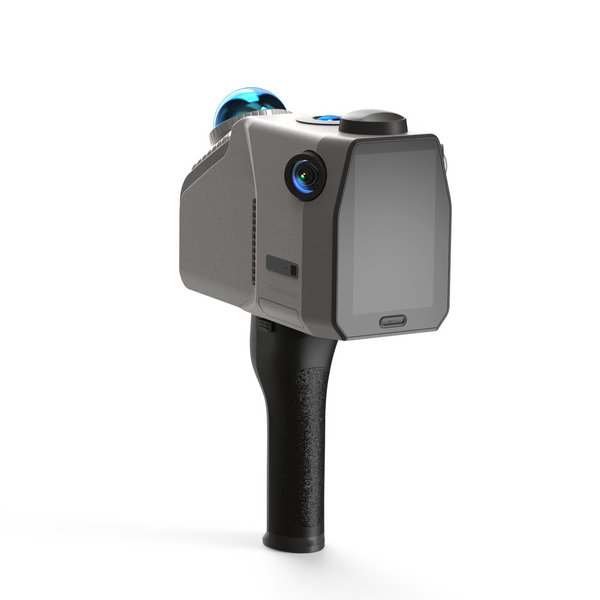
Eagle LiDAR Scanner
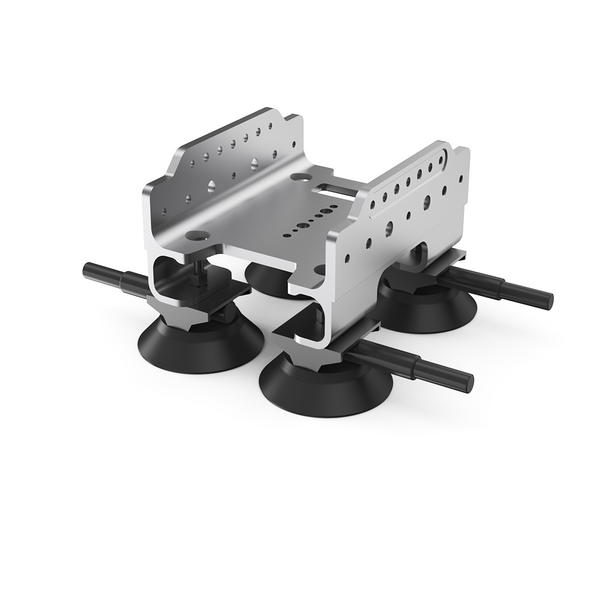
Automotive Rooftop Mount