Content
For many people, 3D scanning still brings to mind a fixed setup: a scanner connected to a computer, a screen for preview, cables on the desk, and software running beside the object. That workflow still has its place, but the way people use 3D scanning is changing. Projects are moving from controlled workstations into workshops, classrooms, customer sites, garages, museums, and outdoor spaces, where a lighter and more flexible workflow matters just as much as scan quality. For makers, designers, and 3D printing users looking for a portable 3D print scanner, this shift is especially important.
When Cables Get in the Way
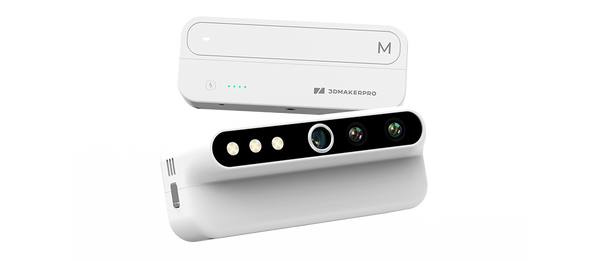
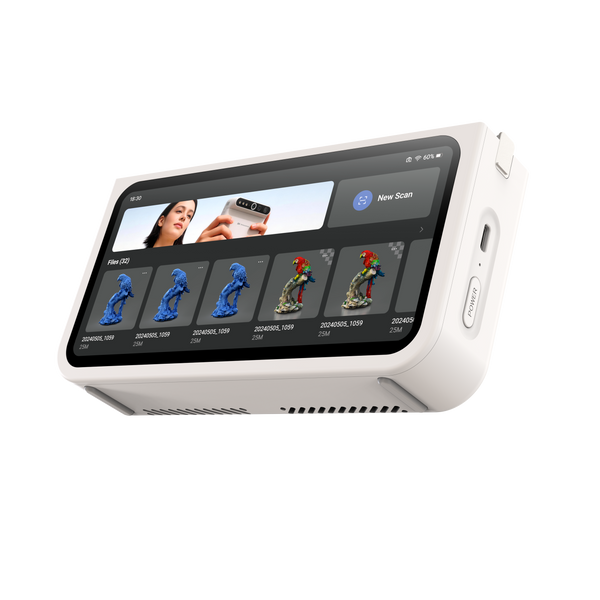
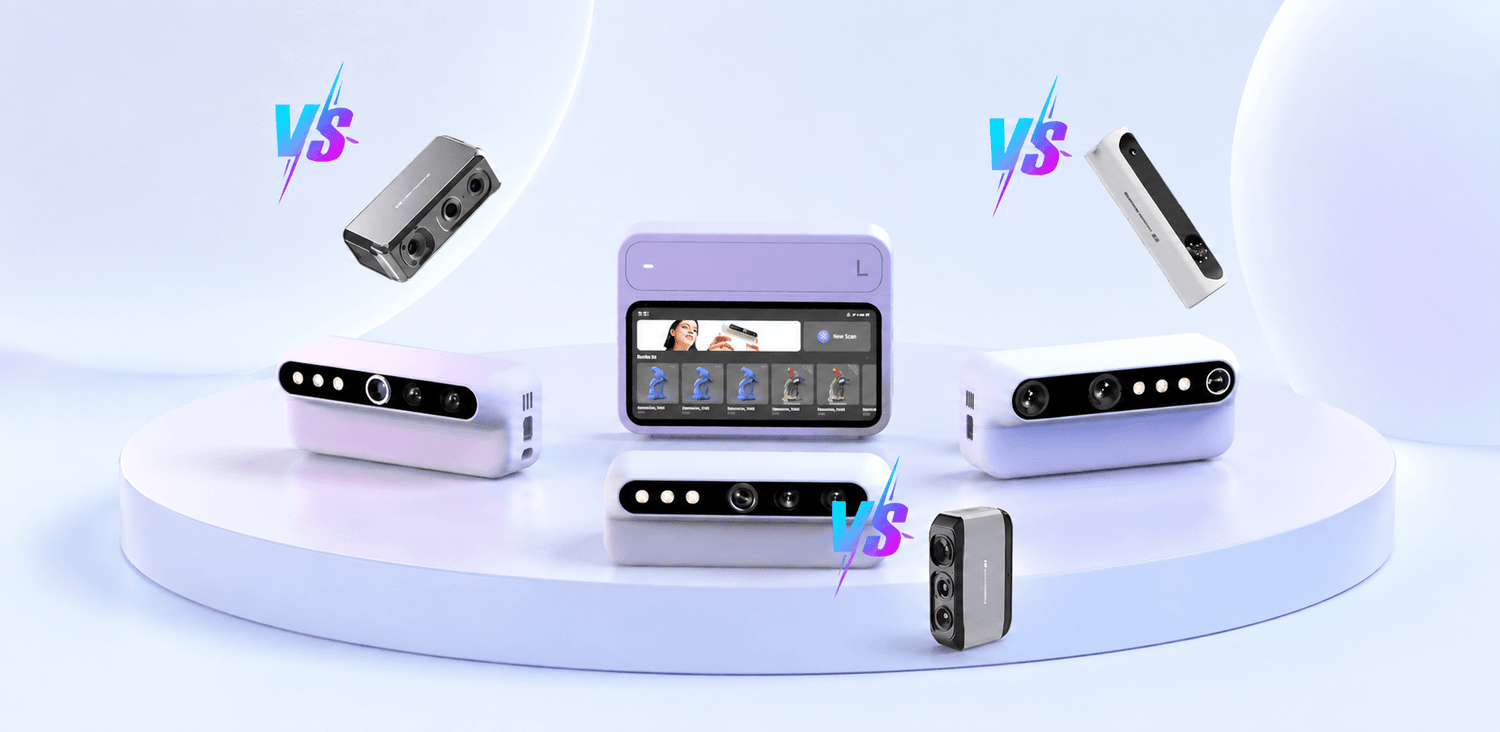
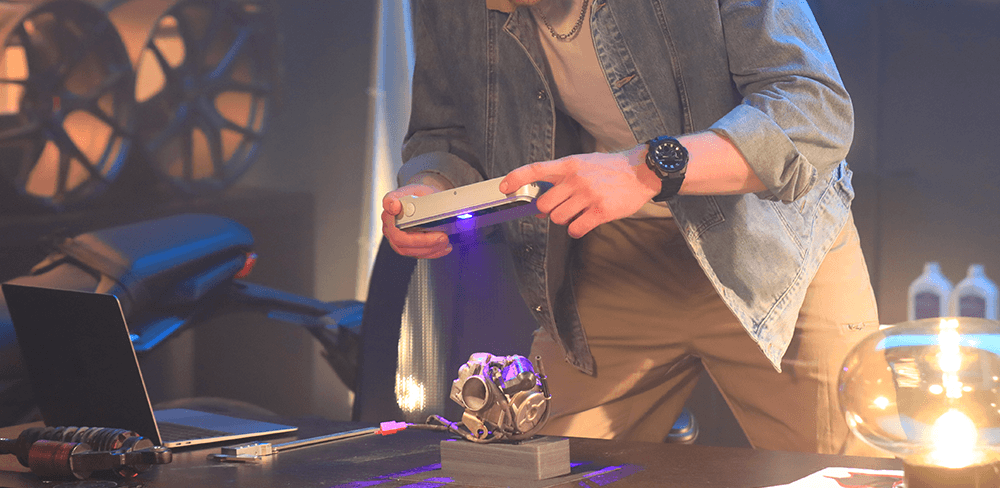
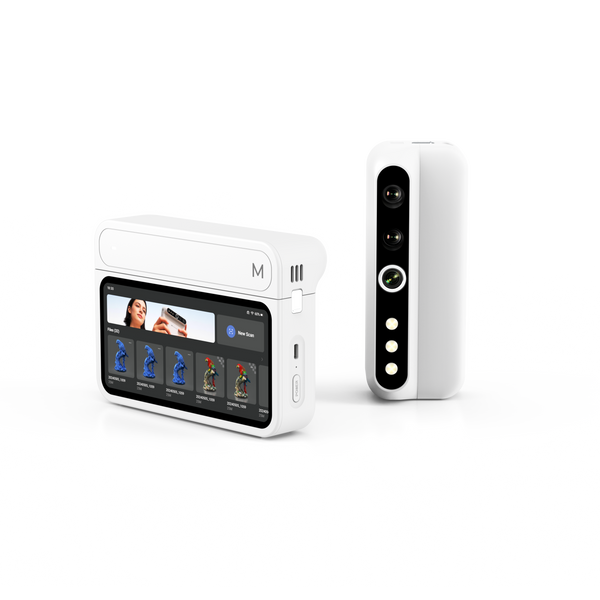
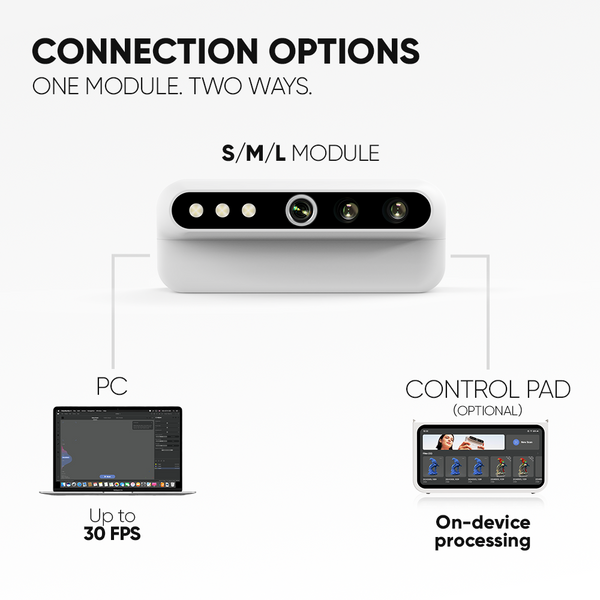
It is one thing to scan a small object on a desk. It is another to move around a car part, capture the details of a figurine from different angles, or work outdoors where a laptop and power outlet are not always available. That is why Turtle is built around both portability and choice. With its 2K AMOLED Control Pad and three interchangeable S, M, and L modules, Turtle turns 3D scanning into a cable-free experience that can move with the object, adapt to different model sizes, and still connect to a computer when a desktop workflow is preferred. To see where this matters most, let’s look at three common use cases: reverse engineering, figurine scanning, and outdoor capture.
Please note that the modules are used by switching between different scanning tasks. For example, you might first use the S Module to scan one object, then switch to the M or L Module for another object or project. The S, M, and L modules are not intended for continuous scanning of the same model within a single scanning session.
Large Objects Need More Room to Move
Large-object scanning is where cable-free capture feels immediately practical. Cars, furniture, industrial parts, large sculptures, and display props are not easy to move into a fixed scanning setup. In many cases, the scanner has to move around the object, not the other way around. With a computer-connected workflow, you may need to look back and forth between the object and the laptop screen to make sure the scan is being captured properly. For large objects, the laptop may also be far from your scanning position or difficult to place at a comfortable viewing angle.
With the Turtle L Module, users get a 600 x 450mm single capture range, compared with Lynx’s 250 x 400mm. That wider capture area helps make large-object scanning smoother, especially when working around broad surfaces and larger structures. Paired with the Control Pad, Turtle makes it easier to move around the object without extending cables or keeping a laptop close to every scan.
Single Capture Range
| Turtle 3D Scanner | Previous 3DMakerpro Scanner |
| S Module: 160 x 120mm | Seal 3D Scanner: 100 x 75mm |
| M Module: 240 x 180mm | Moose 3D Scanner: 200 x 100mm |
| L Module: 600 x 450mm | Lynx 3D Scanner: 250 x 400mm |
Medium Objects Need a Balanced Everyday Scanner
Medium-sized objects are often the most common scanning targets. Mechanical parts, engine components, medium-sized figurines, vases, helmets, shoes, tools, accessories, and product samples all fall into this practical everyday range. These objects may not be as large as furniture or cars, but they still require the scanner to move steadily around curves, edges, holes, and surface details.
The Turtle M Module and Moose 3D Scanner share the same 0.03mm accuracy, making both suitable for medium-sized scanning tasks where shape, fit, and surface structure matter. The difference is that Turtle upgrades the camera to 2.3MP, compared with Moose’s 1.3MP camera. With higher image clarity, Turtle can present more visual detail during capture, which is useful for reverse engineering, 3D printing, part replacement, fitting tests, and product prototyping.
Accuracy
| Turtle 3D Scanner | Previous 3DMakerpro Scanner |
| S Module: 0.01mm accuracy | Seal 3D Scanner: 0.01mm accuracy |
| M Module: 0.03mm accuracy | Moose 3D Scanner: 0.03mm accuracy |
| L Module: 0.05mm accuracy | Lynx 3D Scanner: 0.10mm accuracy |

Small Objects Need Fine Detail
Small-object scanning is all about detail and stability. Miniature models, small sculptures, coins, collectibles, tiny mechanical parts, and fine decorative objects often require close scanning angles and careful surface capture. In this size range, small edges, textures, and surface changes can affect the quality of the final 3D model.
The Turtle S Module and Seal 3D Scanner both offer 0.05mm resolution, making them suitable for fine-detail scanning. The difference is that Turtle S provides a larger 160 x 120mm single capture range, compared with Seal’s 100 x 75mm. A wider capture area lets users see and capture more of the object in each frame, which can make the scanning process smoother for compact models.
For users who want a higher frame rate, Turtle can also connect to a computer and reach up to 30fps, while Seal scans at 10fps. That extra responsiveness helps the scan feel smoother during movement and can reduce the chance of tracking loss. For small-object scanning, this matters a lot, because stable tracking helps preserve details and makes it easier to complete the scan without repeatedly stopping and realigning.

Outdoor Objects Need a Lighter Setup
Outdoor and public-space scanning brings a different kind of challenge. A tree stump in a park, a museum collection, a sculpture on campus, or a meaningful object found during travel may not be near a desk, power outlet, or stable place for a laptop. Even when the object itself is worth capturing, carrying a computer and setting up cables can make the process feel heavier than it should.
Turtle’s cable-free workflow makes these moments easier to handle. With the Control Pad, you can scan, preview, process, and export on site without carrying a laptop for every project. This makes Turtle more convenient for outdoor capture, museum visits, field research, creative travel, and public-space scanning. Instead of waiting until the object can be brought to a workstation, Turtle lets you capture it where it is.
More Choice for the Way You Scan
Does Turtle replace wired scanning? Not really. It gives you one more choice. If you prefer a desktop workflow, Turtle modules can still connect to a computer for wired scanning. If you want to move more freely, the Control Pad lets you scan, preview, process, and export without relying on a laptop.
That choice also applies to how you buy Turtle. You can choose a single module if your scanning needs are focused. Pick the S Module for small detailed objects, the M Module for everyday parts and medium objects, or the L Module for large objects. This is a practical option for users who mainly scan with a computer or already know the object size they work with most. Click Here.
You can also choose a module with the Control Pad if you want the full cable-free workflow. This setup is better for on-site projects, outdoor capture, shared workspaces, classrooms, and users who want a more portable 3D print scanner. With the Control Pad, Turtle becomes easier to carry, easier to operate, and easier to bring to the object. Click Here.
With Early Bird pricing still available, now is a good time to upgrade to Turtle. It is cable-free when you need portability, PC-connected when you prefer a desktop workflow, and modular when your scanning tasks change.
Featured collection
Early bridNEW
Save $104.85
Turtle 3D Scanner