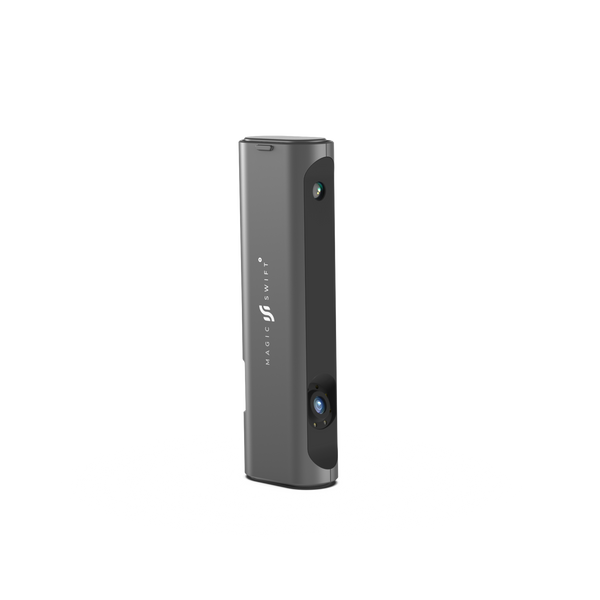
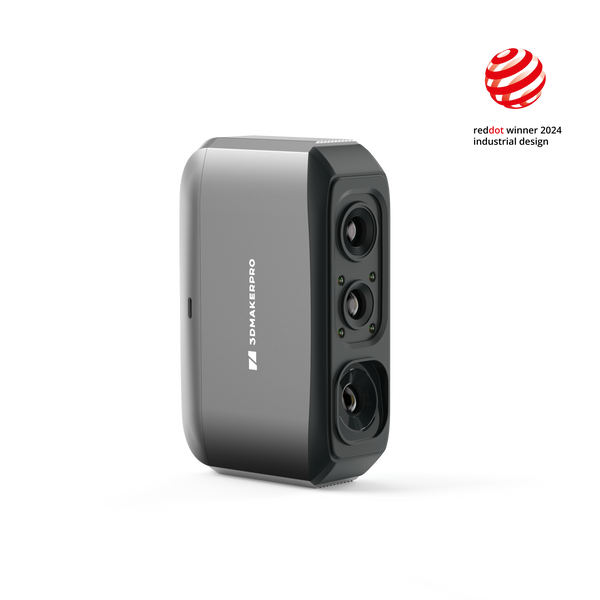
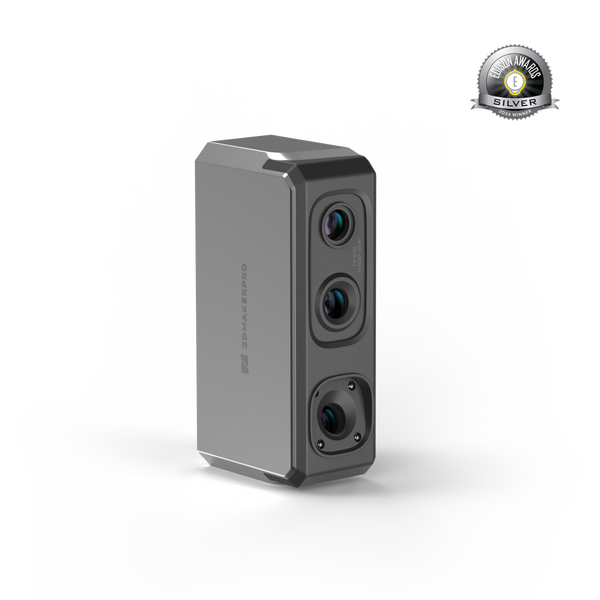
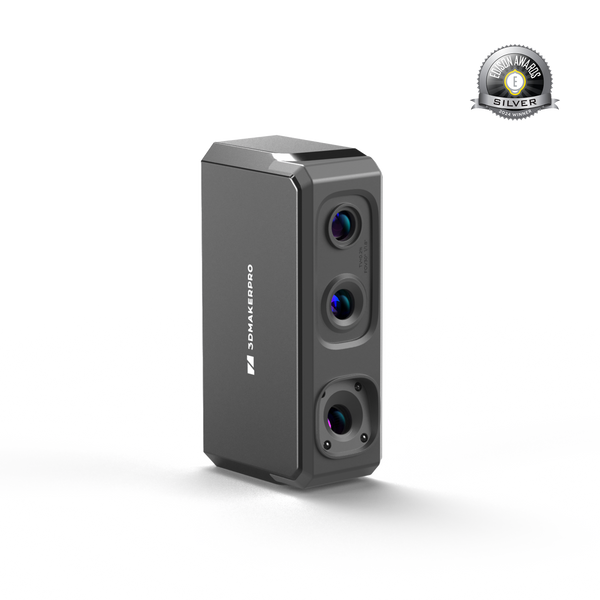
Turtle 3D Scanner

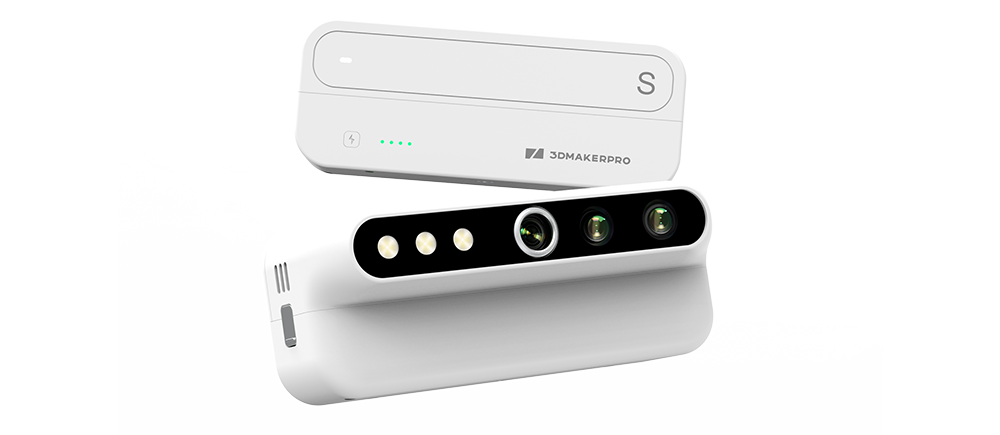
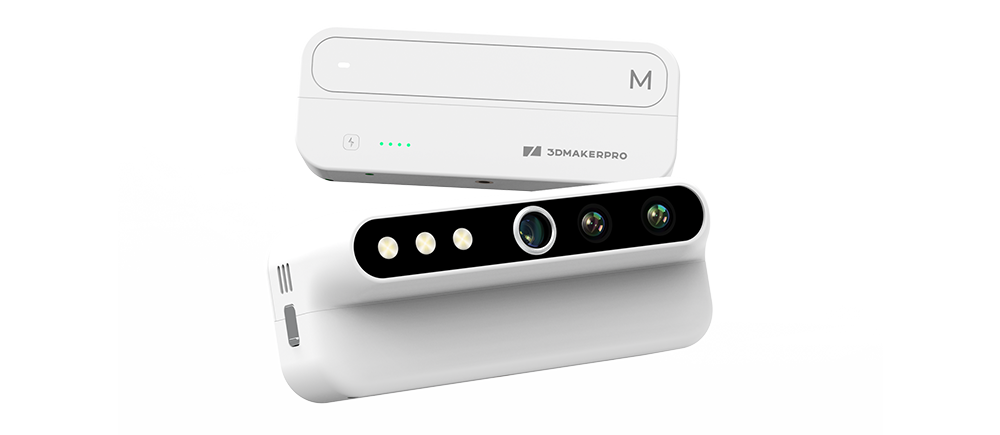
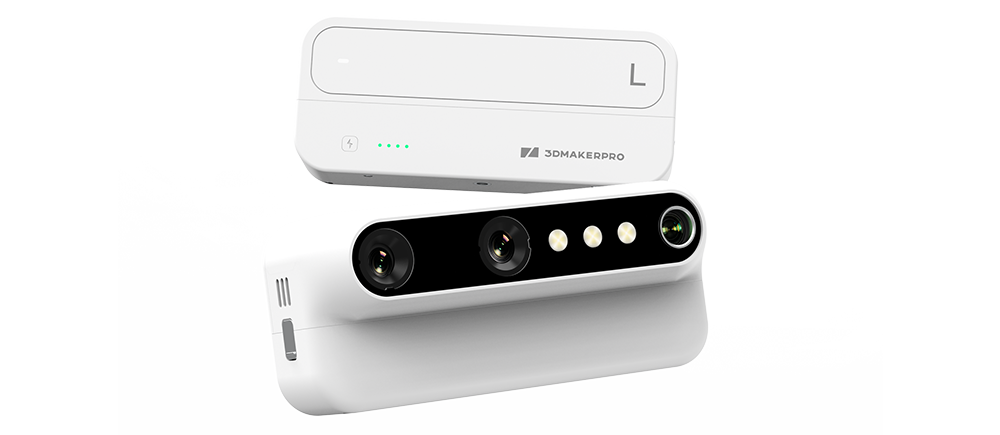
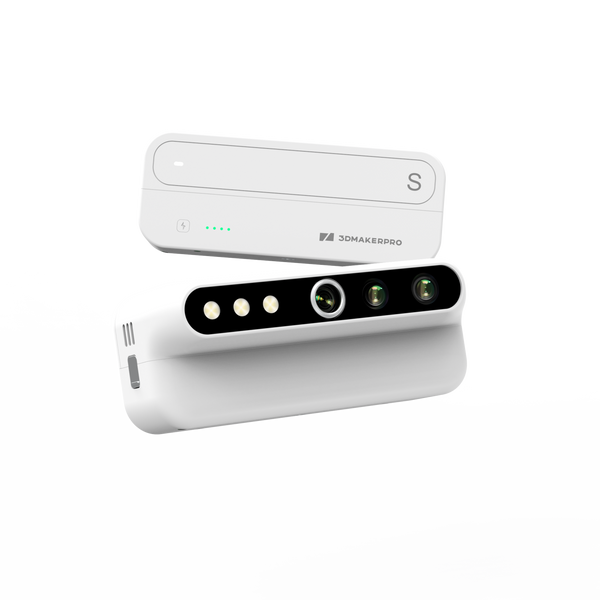
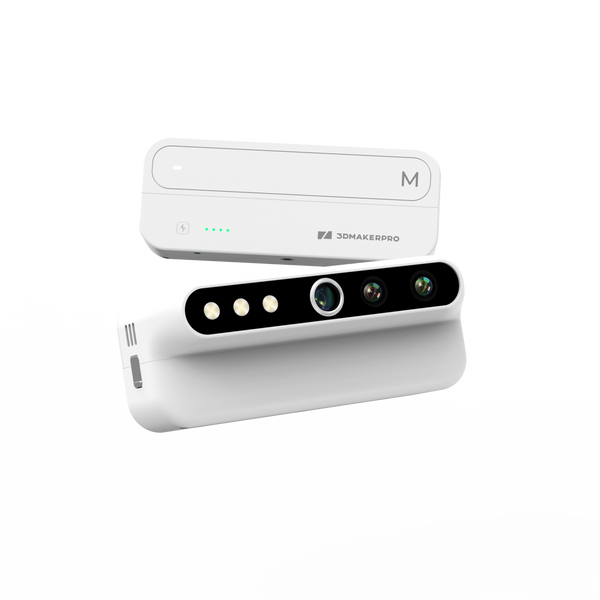
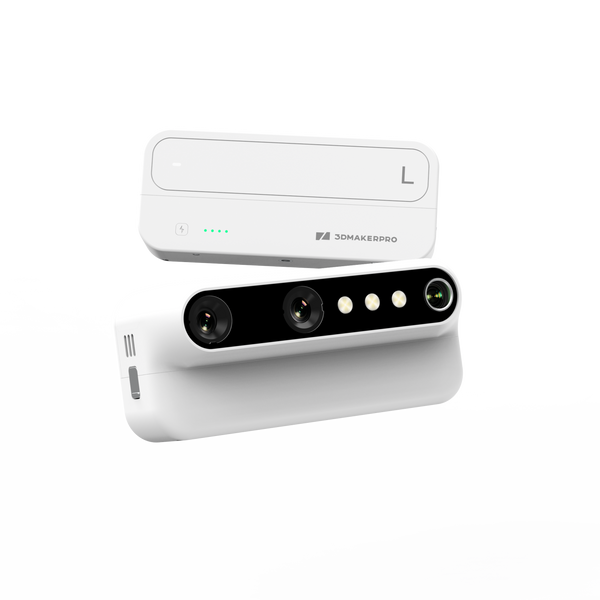
  • Swappable S / M / L modules
  • 2.3MP Sensor, 76% more pixeels
  • Up to 30 fps, PC-connected
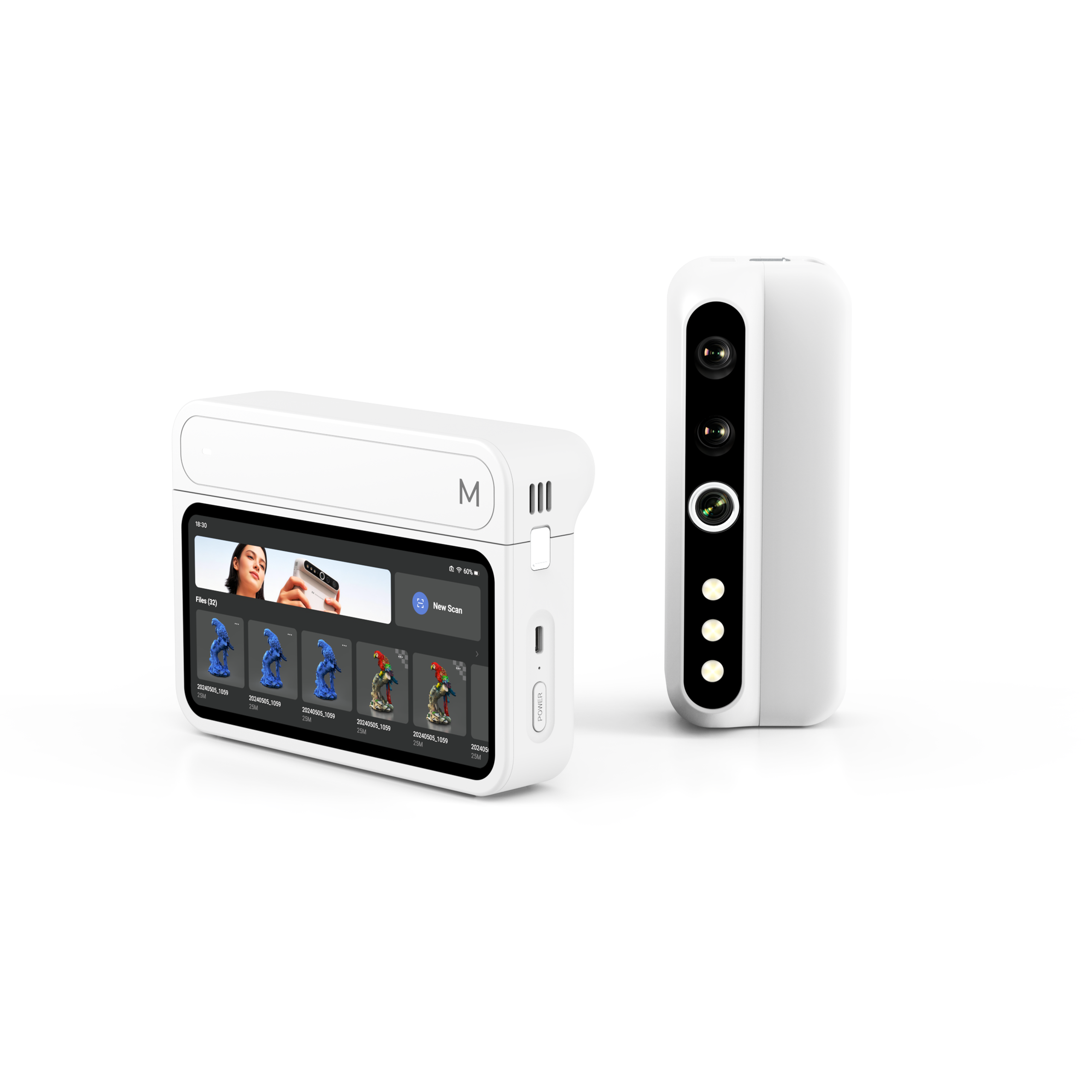
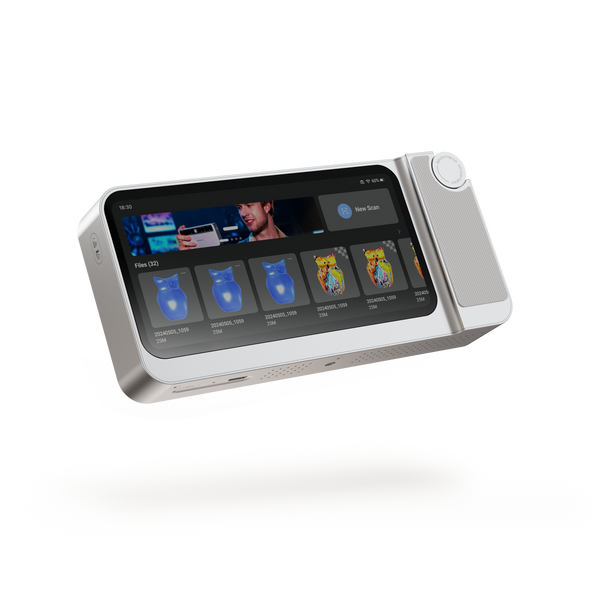
  • Standalone 6.4" 2K touchscreen
  • Scan objects across a wide size range

Build Your ownControl Pad + modules · pick any

Control Pad only- pair with a module to scan.

Complete BundlesChoose one

Easy to start, scan out of the box.

Includes: Control Pad, M Module, 65W charger, Manual Turntable, CarryingCase
(modules include battery base).
Most popular

Detail and everyday work in one.

Includes: Control Pad,S Module, M Module, 65W charger, ManualTurntable,Carrying
Case (modules include battery base).

Large objects, efficiency first.

Includes: Control Pad, M Module, L Module, 65W charger, ManuaTurntable, Carrying
Case (modules include battery base).

One kit for every size.

Includes: Control Pad, S Module, M Module, L Module, 65W charger, ManualTurntable,
Carrying Case (modules include battery base).

Which is right for me?

See what each module scans, then choose a bundle. The modules are a division of labor, not better or worse.

1. Three modules, three lenses

S Module

Detail lens

Objects 10-300mm

M Module

Workhorse lens

Objects 15-1500mm

L Module

Efficiency lens

Objects 100-2000mm

2. Spec comparison

Spec S M L
Typical object size 10-300mm 15-1500mm 100-2000mm
Accuracy 0.01mm 0.03mm 0.05mm
Resolution 0.05mm 0.07mm 0.10mm
Single frame 160x120mm 240x180mm 600x450mm
Working distance 180-280mm 200-400mm 500-950mm
Light source Blue LED Blue LED Blue LED
Frame rate Up to 30fps (with Pa) Up to 30fps (with Pa) Up to 30fps (with Pa)

Frame rate is the maximum under ideal conditions; real-world results vary by object, environment, and production unit.

3. Choosing when sizes overlap

100-300mm

Choose S for fine texture, edges and shallow relief; choose M for faster general parts and handheld sweeps.

300-800mm

Default to M. S has a small frame here; L point density is less ideal at this size.

800-1500mm

Feature-rich, precision-first choose M; large continuous surfaces, efficiency-first choose L.

over 2m

Beyond typical object range - scan in sections. Full-vehicle capture is not promised at launch.

4. Pick a bundle

Add-onsOptional · pick any
Sale price$454.00 Regular price$699.00
Save $245.00

Two-year warranty

<p>SWAP THE MODULE,</p><p>UPGRADE THE SCAN.<br/></p>

Turtle Series

SWAP THE MODULE,

UPGRADE THE SCAN.

One host. Three modules. Magnetically swap between S, M and L to match every scan job.

Claim every contour.
CHAPTER 01 · THE SYSTEM

One Host. Three Scanners.

Swap a module to change what you scan. Change the setup to change how. Everything else — capture, processing, export — stays on the device.

HANDHELD · SPLIT · DESKTOP

Three setups. One kit.

The module decides what you scan. The setup decides how you scan it. Any module works in any setup.

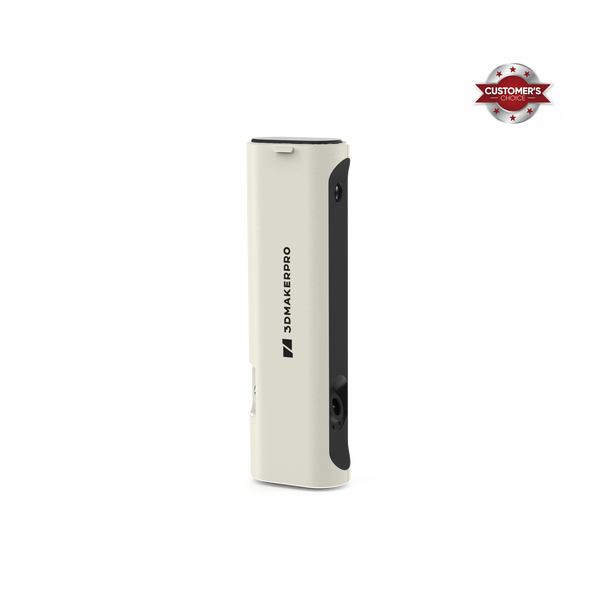
  • Handheld mode - cable free, portable scanning
  • Modular mode - scan hard-to-reach angles with ease
  • Wired mode - engineer your workstation for peak performance

ON-DEVICE PROCESSING → NO LAPTOP REQUIRED

One device. Capture to export.

Scan, process, and export without a computer in the loop. Review your model on the 6.4″ 2K AMOLED screen the moment you finish, and take the file with you.

  • 2.4GHz · 16GB RAM · 256GB SSD — the full workflow runs on the device
  • No format lock-in. Export ASC / PLY point clouds and OBJ / STL meshes straight from the device, and open them in CloudCompare, MeshLab, Geomagic, or your CAD and slicing tools.
  • A 3GB project transfers in about 35 seconds over 5GHz Wi-Fi. Direct hotspot and USB drive also supported.
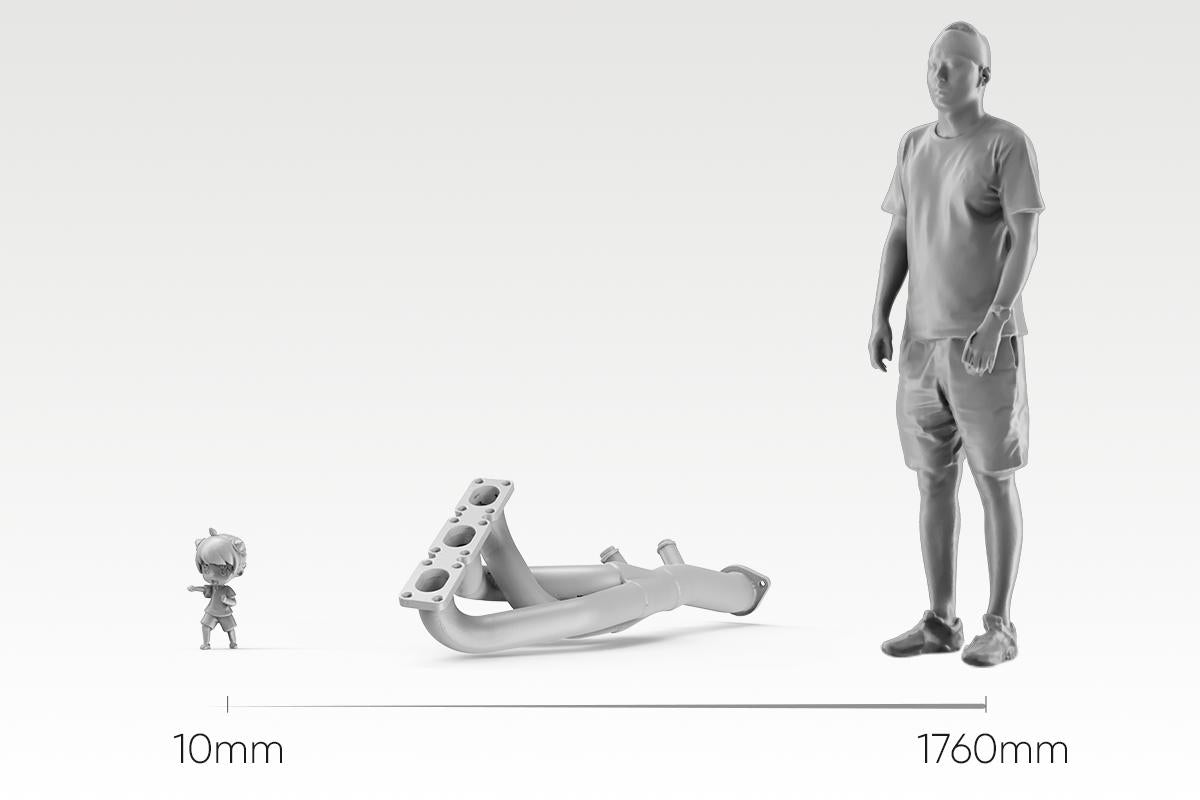
Scan a miniature. Scan a bumper

S/M/L INDEPENDENT OPTICS → 10MM–2000MM COVERAGE

Scan a miniature. Scan a bumper

Three modules, each engineered for its own working range — not one lens stretched across every job. Swap in S for a 10mm miniature, L for a 2-meter panel, and the host stays the same.

  • S module — 10–300mm, fine detail work
  • M module — 15–1500mm, the everyday workhorse
  • L module — 100–2000mm, large parts and vehicles
  • Calibration loads automatically the moment a module clicks in — no manual setup, no calibration board
CHAPTER 02 · THE HARDWARE

Two Upgrades You Can See.

A sharper sensor for detail and color. A stronger projector for coverage and depth.

Product highlightsProduct highlights

Detail You Can Zoom Into

More pixels. More detail.

An upgraded sensor captures finer geometry and richer color across the Turtle Series — the same scan, with more in it.


Sensor pixels

2.3MP Turtle Series
1.3MP Predecessor

Resolution compares

Turtle M module 0.07mm
Predecessor 0.10mm

*Scanned with the Turtle M module

Same object, same distance, same lighting. 1:1 crop, no sharpening.

Product highlightsProduct highlights

A Bigger Frame. A Deeper One, Too.

One pass takes in more.

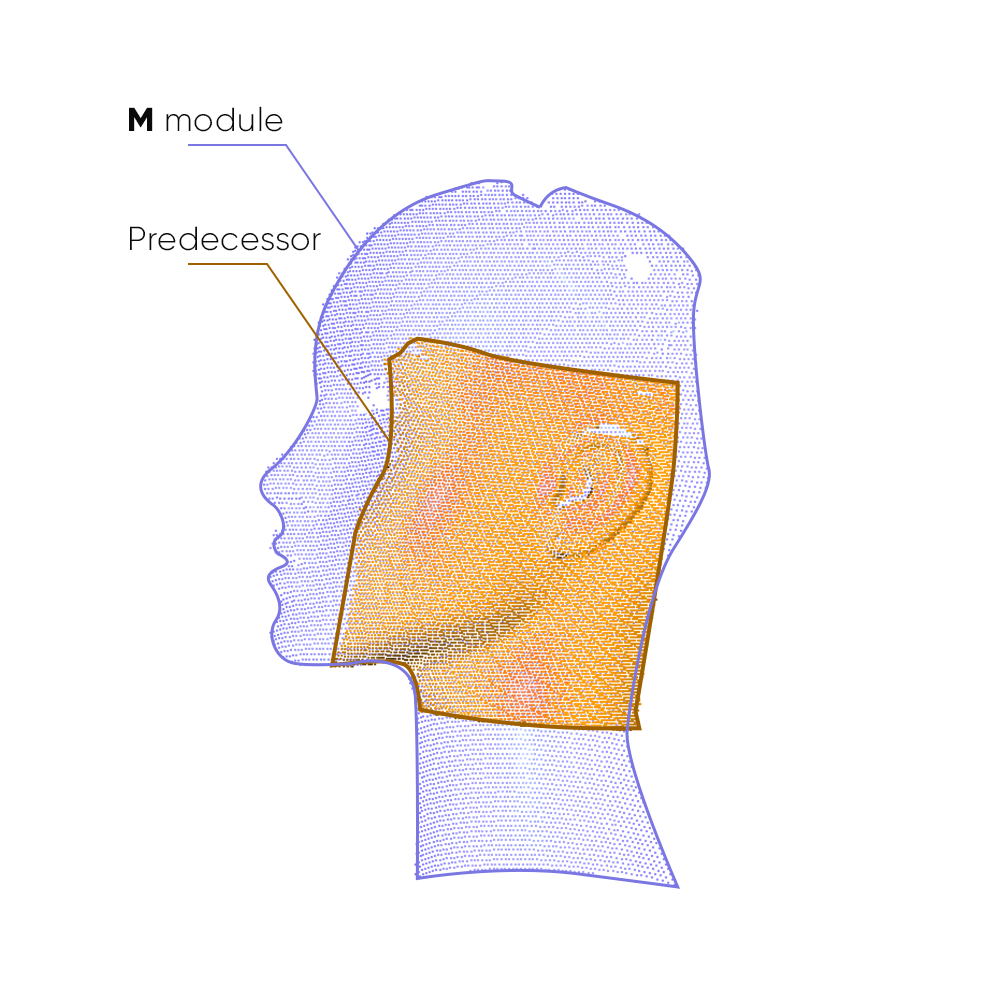
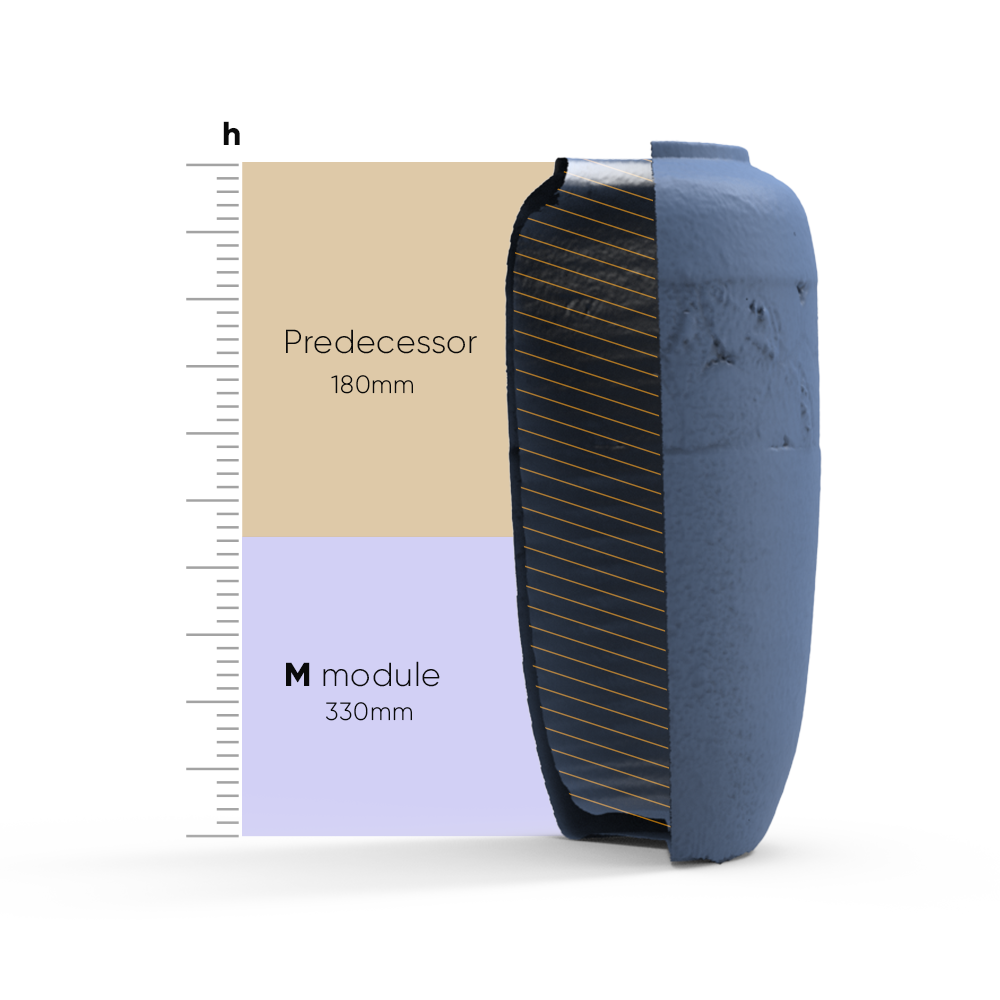
A stronger projector widens and deepens what each frame captures. Recessed faces and stepped surfaces land inside a single frame instead of forcing you to keep hunting for the right distance.


Capture area per frame

2X Turtle Series
1X Predecessor

Scan depth per frame

Turtle M mudle 1.5x
Predecessor 1.0x

*Per-frame capture area and scan depth vs. predecessor modules of the same format

Capture area per frame

Scan depth per frame

Chapter 03 · Stability

Nothing to Place. Nothing to Lose.

A scan you can finish is the only scan that counts.

PURE FEATURE ALIGNMENT → ZERO PREP

Pick it up. Start scanning.

Turtle aligns on the object's own geometry and texture — no markers to place, no cleanup afterwards. For extremely smooth, featureless surfaces, a light coat of scanning spray adds the features it needs. Still no markers.

FEATURE RELOCALIZATION → RESUME WHERE YOU WERE

Lose tracking, not progress.

If tracking drops, just point the scanner back at any area you've already captured — it picks up and continues. No starting over.

  • Markerless AI visual tracking and feature recognition
  • Instant re-lock after tracking loss
  • Continue your 3D scan seamlessly, no reset

HIGH FRAME RATE MODE → SMOOTH, RESPONSIVE PREVIEW

Up to 30fps, PC-connected.

Connect to a PC and high frame rate mode reaches up to 30fps — three times the standalone rate. Move faster without dropped frames or a laggy preview.

Ready in under 10 minutes

Unbox. Plug in. Scan.

No calibration board. No setup wizard. Connect your module to the Control Pad or a computer, and the matching calibration file loads itself — you're scanning in under 10 minutes.

Unbox. Plug in. Scan.
1

Plug in

Connect your module to the Control Pad or a computer

2

Auto-calibrate

Calibration loads itself with the module

3

Start scanning

Point and go

Capture on

Windows 11 macOS 12/13 (M1/M2)

Process & export on

Windows 11 macOS 12/13

Free 3D Scanning Software by 3DMakerpro

From connection and calibration to optimization and export, JMStudio keeps your entire scanning workflow simple and guided.

COMPATIBLE SOFTWARE

JMStudio — Built for Your Scanner

The exclusive 3D scanning software by 3DMakerpro. Real-time capture, one-click optimization, and seamless export to STL, OBJ, PLY & ASC formats.

Real-Time Capture
One-Click Optimize
STL / OBJ / PLY / ASC Export
Learn More Free with every scanner

Specifications

Scanning modules
S modulePrecision module
M moduleBalanced module
L moduleLarge-object module
Accuracy
0.01mm
0.03mm
0.05mm
Resolution
0.05mm
0.07mm
0.10mm
Single capture range
160 × 120mm
240 × 180mm
600 × 450mm
Work distance
180 – 280mm
200 – 400mm
500 – 950mm
Typical object sizes
10 – 300mm
15 – 1,500mm
100 – 2,000mm
Frame rate
10 fps / 30 fps (PC)
Light source
Blue LED
Blue LED
Blue LED
Color texture
Color textures, 24-bit
USB interface
USB Type-C
USB Type-C
USB Type-C
Output format
OBJ / STL / PLY / ASC

Control Pad

All-in-one base unit

Screen
6.4-inch 2K AMOLED
CPU
2 GHz × 8 cores
RAM
16GB
Storage
256GB SSD
USB interface
USB Type-C
Wireless
Wi-Fi 5
Battery capacity
10,000mAh / approx. 2 hours

Specifications are subject to change. Actual accuracy depends on scanning conditions and object surface.

FAQ