Content
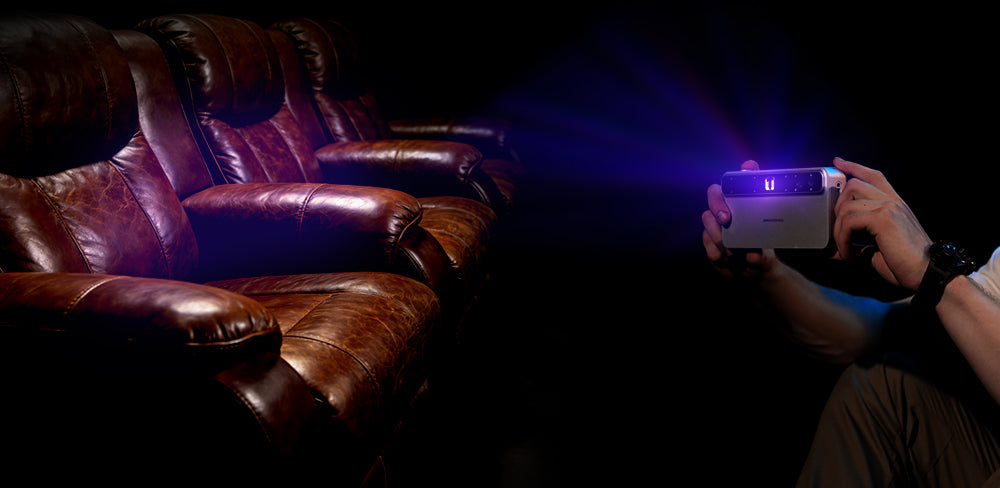
3D scanning is often seen as a shortcut from the physical world to digital production, especially for product development. However, in real-world applications, many projects fail long before reaching usable results. In most cases, the problem is not the idea itself, but the tools and workflows behind it. Choosing a truly scannable scanner—such as the Toucan 3D Scanner—can make the difference between abandoned scan data and a reliable scanner for 3d printing that actually delivers printable, accurate models.
For professionals and creators, finding a dependable scanner for 3d printing that balances mobility with precision is critical. Before looking at the solution, let’s first break down the most common difficulties that cause 3D scanning projects to fail.
Part 1: Common Difficulties in 3D Scanning Projects
1. Unstable Tracking and Frequent Interruption
One of the most frequent causes of failure is unstable tracking. Many handheld scanners lose alignment when the scanning angle changes abruptly, when the operator pauses briefly, or when the object lacks distinct surface features. Once tracking is lost, the software often cannot recover the position, forcing users to restart the scan from scratch. This results in fragmented data, wasted time, and a workflow that feels broken rather than continuous—qualities that a high-quality scanner for 3d printing should avoid.
2. Inaccurate Results for Thin and Small Objects
A major frustration for those seeking a scanner for 3d printing is the inability to capture thin walls or intricate details. Standard scanners often struggle with small or slender objects, producing models with broken edges, holes, or noise. These "single-frame" capture methods often lack the density required for high-quality reproduction, leading to extensive post-processing work to make the model printable.

3. Rigid Scanning Range and Limited Flexibility
Most scanners are specialized tools: they are either good at scanning tiny jewelry or large car parts, but rarely both. When a user tries to scan an object outside the device’s ideal range—such as scanning a large sculpture with a detail-oriented scanner—tracking becomes unstable and data is lost. This lack of flexibility forces users to purchase multiple devices, making it difficult to find a single, versatile scanner for 3d printing that handles all tasks.
4. Complex, Tethered Workflows
Finally, many projects fail because the equipment is simply too cumbersome to use effectively. Traditional scanners require a constant wired connection to a high-performance PC to handle data processing. This tether limits movement, making it difficult to scan objects in tight spaces or outdoors. The complexity of setting up cables and computer software creates a barrier that slows down professionals and discourages beginners.
Part 2: How Toucan 3D Scanner Solves These Problems
1. 9-Axis IMU for Unmatched Stability
To solve the issue of tracking failures, the Toucan 3D Scanner is equipped with a high-precision 9-axis IMU position sensor. This hardware ensures the scanner maintains its orientation even during rapid movement. With a scanning speed of up to 15 fps, Toucan allows for a smooth, continuous workflow. Whether you are using Features, Markers, or Global tracking methods, the device stays locked on the object, minimizing interruptions and proving itself as a robust scanner for 3d printing.
2. Dual-Lens Imaging for Superior Accuracy
Toucan addresses the challenge of scanning thin objects by utilizing blue laser structured light combined with advanced dual-lens imaging. Unlike traditional scanners, Toucan generates 7 photos into one frame of point cloud. This technique allows it to capture small and thin objects more accurately than single-frame coded scanners. With a single-frame accuracy of ≤ 0.03mm (Small mode) and resolution of ≤ 0.03mm (Fixed Shot), it delivers the precise, watertight models required for a professional scanner for 3d printing.
3. Four Cameras for a Versatile Scanning Range
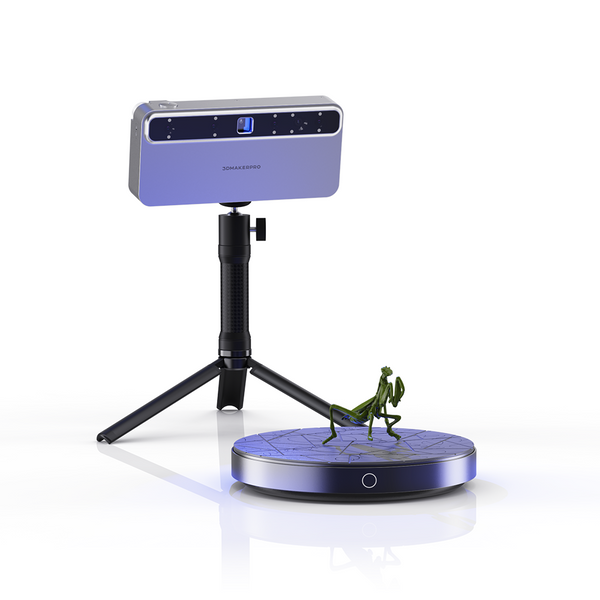
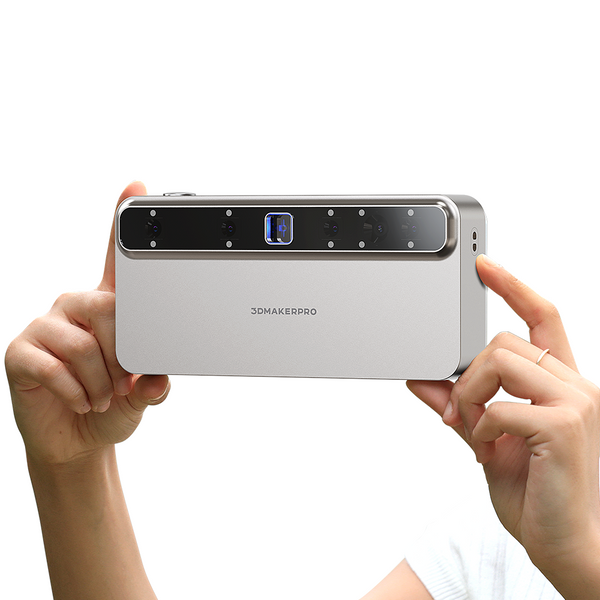
Toucan eliminates the need for multiple devices by integrating four 3D cameras and one 48 MP RGB camera into a single unit. This unique configuration allows for an adaptable Field of View (FOV), ranging from 135×185 mm for small, detailed items to 1000×750 mm for large objects. With a flexible working distance of 200–1000 mm, users can switch between scanning continuous handheld scans, photo scans, or table scans effortlessly. This versatility defines Toucan as a comprehensive scanner for 3d printing capable of handling diverse project scales.
4. Powerful Standalone Architecture for True Mobility
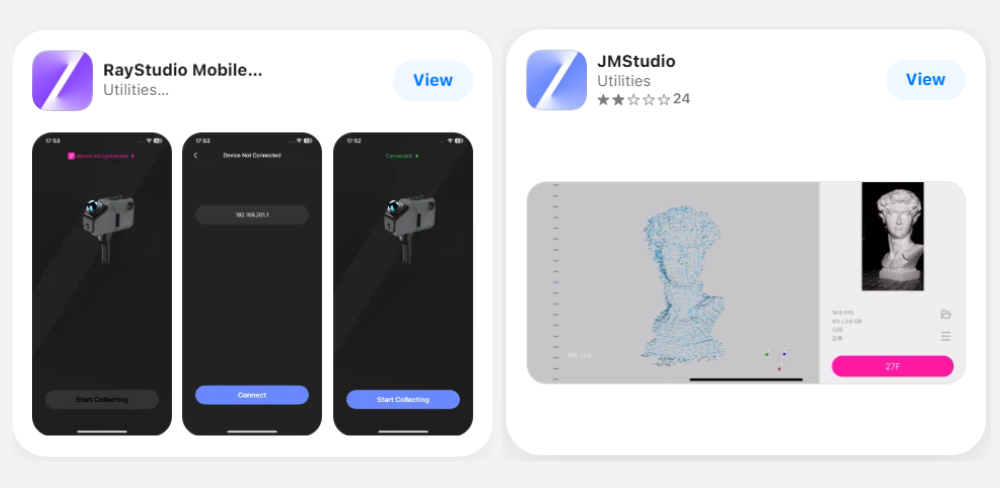
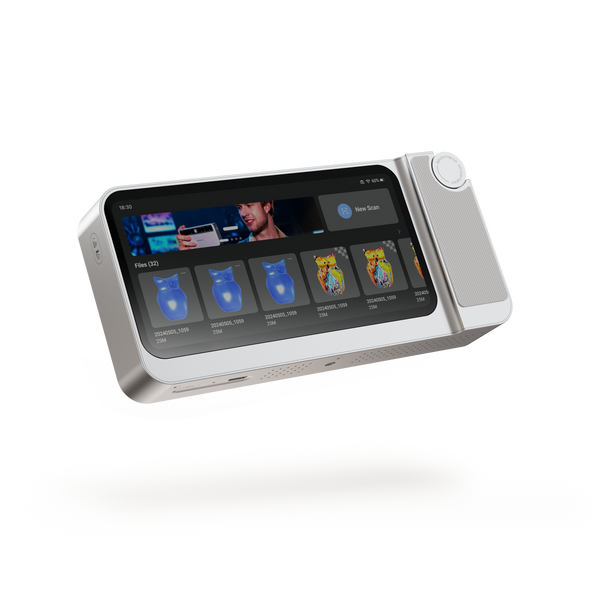
Toucan solves the tethering problem by operating as a completely standalone device. With Wi-Fi 6 connectivity, it eliminates the need for cumbersome cables to a PC, offering true freedom of movement. Its massive 6600 mAh battery provides ultra-long standby time for extended sessions. Moreover, it supports scanning while charging through its USB-C interface, ensuring continuous operation without the fear of running out of power. Weighing just 735g, this scanner for 3d printing delivers a seamless, unrestricted workflow anywhere you go.
Many 3D scanners on the market suffer from inherent weaknesses—such as unstable tracking or limited accuracy—that often lead to project failure, making it crucial for users to carefully select a device that truly meets their specific needs. The Toucan 3D Scanner serves as an ideal solution to these common pitfalls, effectively bridging the gap between professional requirements and ease of use. By combining high-speed stability with standalone convenience, it stands out as a highly suitable scanner for 3d printing for anyone seeking reliable, frustration-free results.
Featured collection
All-in-onePhase-Shifting TechPre-order
Save $700.00
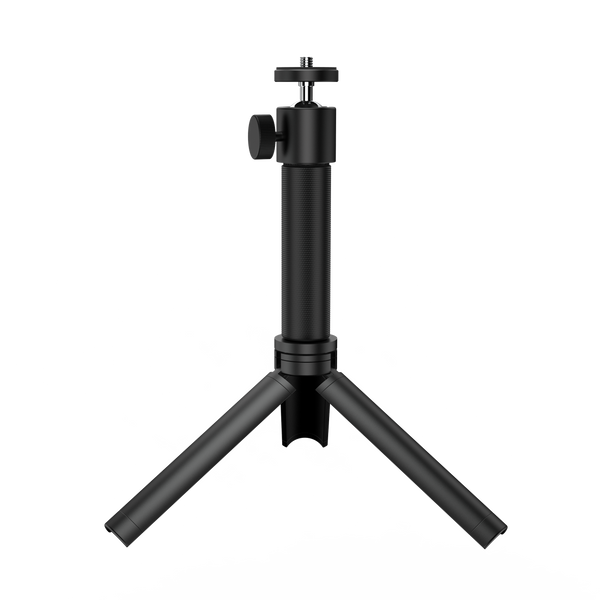
Tripod for Toucan