Content

In 2026, 3D scanning is no longer a technology reserved for high-end industrial labs. With the evolution of smartphone LiDAR and AI algorithms, the App Store and Google Play are flooded with scanning tools. For 3D printing enthusiasts, reverse engineers, game developers, and designers, choosing the right 3d scanner app is critical. Whether you are searching for a high-performance iphone 3d scanner app or a versatile 3d scanner app android solution, the sheer number of choices can be overwhelming.
As a team specializing in professional 3D scanning hardware, we decided to put the most popular apps to the test. Our goal is to answer one burning question: Can a smartphone alone truly replicate the physical world? Based on real user reviews, functionality, usability, and model accuracy, we’ve categorized the current market into two distinct groups: "Phone-Only Apps" and "Professional Hardware Companions."
Group 1: The "Phone-Only" Contenders
These apps rely on the phone’s built-in camera or sensors. Sorted by popularity and market relevance.
1. Polycam - 3D Scanner, LiDAR
Rating: ★★★★☆ (4.7 | 41K+ Ratings)
Downloads: 1M+
Price: Freemium (Free limited use; Pro ~ $7.99/mo).
Best For: Room layouts, real estate, and quick assets.
✅ Pros: Polycam is arguably the most polished iphone 3d scanner app available. Its LiDAR mode is extremely fast for scanning rooms, and the photogrammetry mode captures realistic textures and color. Supports multiple export formats for 3D printing or visual projects.
❌ Cons: Struggles with small objects; geometry can become overly smooth; subscription required for useful exports; can be resource-heavy on older devices.
❕ User Feedback:
-
Positive: “With good lighting and enough photos, Polycam gives really solid results. The app is easy to use and exports clean meshes that actually work for 3D printing.”
- Negative: “The credit system is frustrating. Even failed scans use credits, and crashes during processing make it feel expensive for trial and error.”
2. Scaniverse - 3D Scanner
Rating: ★★★★☆ (4.8 | 11K+ Ratings)
Downloads: 100K+
Price: Completely Free.
Best For: AR experiences and social media visuals.
✅ Pros: Scaniverse is a free iphone 3d scanner app, with Gaussian Splatting for realistic lighting and reflections. It allows quick room scans and simple AR previews.
❌ Cons: Mesh geometry can be chaotic, prioritizing visual appeal over precision; limited editing tools; occasional crashes after updates.
❕ User Feedback:
-
Positive: “Good and quick. Scanned an entire room in minutes and the result was better than expected, especially for a free app.”
- Negative: “Mesh generation sometimes crashes after updates, and editing tools are pretty limited compared to paid apps.”
3. 3d Scanner App™
Rating: ★★★★☆ (4.6 | 15K+ Ratings)
Downloads: N/A
Price: Free (Advanced features require purchase).
Best For: Architects and on-device processing.
✅ Pros: Robust on-device processing; works offline; accurate enough for space measurement; simple interface suitable for beginners. A reliable iphone 3d scanner app for construction sites or quick scans.
❌ Cons: Only supports Apple LiDAR (not suitable for 3d scanner app android); textures can appear blurry; occasional instability on long scans; some models require manual cleanup.
❕ User Feedback:
-
Positive: “It works well for simple scans. I was able to scan small objects and export the model without much trouble, which is great for basic use.”
- Negative: “The app feels a bit rough around the edges. Scans often need extra cleanup, and I’ve run into bugs and crashes during longer sessions.”
4. MagiScan - AI 3D Scanner App
Rating: ★★★★☆ (4.5 | 1.1K+ Ratings)
Downloads: 1M+
Price: Freemium (Subscription for high quality).
Best For: Android users without LiDAR.
✅ Pros: Top 3d scanner app android option; cloud AI enables older phones to produce high-quality scans. Simple interface for quick model captures.
❌ Cons: Cloud processing can take minutes; sensitive to lighting or reflective surfaces; small objects may lose detail and need cleanup.
❕ User Feedback:
-
Positive: “Easy to try and quick to get a basic scan, especially for simple objects.”
- Negative: “Scan quality is inconsistent, and results often need a lot of cleanup before they’re usable.”
5. Qlone 3D Scanner
Rating: ★★★☆☆ (3.9 | 1.6K+ Ratings)
Downloads: 500K+
Price: Freemium (Pay to export).
Best For: Educational use and beginners.
✅ Pros: Beginner-friendly 3d scanner app; AR mat ensures stable scanning; works offline; great for classroom or hobbyist use.
❌ Cons: Limited to objects that fit on the mat; top surfaces can distort; precision insufficient for complex shapes or engineering purposes.
❕ User Feedback:
-
Positive: “Simple and beginner-friendly. The mat-based setup makes it easy to understand where to scan.”
- Negative: “Having to print and use a mat is inconvenient, and the scan quality feels limited for anything beyond small objects.”
6. 3D GO | 3D Printing Models
Rating: ★★★★☆ (4.7 | 3K Ratings)
Downloads: 100K+
Price: Freemium / Ad-supported.
Best For: Quick, casual experiments.
✅ Pros: Lightweight 3d scanner app android; connects to model libraries; easy one-off installation; convenient for casual users.
❌ Cons: Low-poly meshes; blocky results; not suitable for detailed scanning or 3D printing.
❕ User Feedback:
-
Positive: "Users love the convenience of a centralized model hub, calling it a huge time-saver compared to browsing websites. It is especially popular for quickly finding D&D miniatures and ready-to-print files."
- Negative: "Critics find the UI clunky and unpolished. Common complaints include slow loading times, a lack of search filters, and a subscription price that feels too high for the current experience."
Group 2: The "Hardware Companions" (Professional Grade)
Apps designed to control dedicated high-precision handheld 3D scanners. These apps are free to download, but require specific hardware to function. Unlike the "Phone-Only" apps, these serve as the command center for professional survey and measurement devices.
7. JMStudio
Rating: ★★☆☆☆ (1.9 | 24 Ratings)
Downloads: N/A
Price: Free App (Hardware required).
Best For: Reverse engineering, automotive parts, human body scanning, and intricate objects.
✅ The Pros: JMStudio serves as the exclusive command center and 3d scanner app for 3DMakerPro’s handheld scanners. Its defining advantage is precision: by leveraging dedicated hardware processing, it captures sub-millimeter details that a standard iphone 3d scanner app simply cannot match. Beyond accuracy, it unlocks true mobility—allowing users to scan freely without a computer connection via the Smart Grip accessory.
❌ The Cons: Requires dedicated hardware and PC for advanced processing.
❕ User Feedback:
-
Positive: "Users are impressed by the high fidelity of remote scanning, noting that the app effectively captures complex objects—such as vehicle interiors—without being tethered to a computer."
- Negative: "Criticism mainly focuses on connectivity issues. Some users reported that while the hardware works fine on desktop, the mobile app sometimes struggles to recognize or pair with the scanner."
8. RayStudio (For Spaces & Mapping)
Rating: N/A
Downloads: N/A
Price: Free App (Hardware required)
Best For: Digital Twins, GIS Mapping, and Large-Scale Environments
✅ Pros: RayStudio, the Eagle scanner’s companion 3d scanner app, captures fully georeferenced 3D data with LiDAR, SLAM, and GPS/RTK, shows point clouds in real time for easy scanning, and produces high-quality results like colored clouds, Gaussian Splatting, and accurate volume measurements.
❌ Cons: Not suitable for small objects; requires dedicated hardware and PC; setup and workflow more complex than mobile apps.
❕ User Feedback: No public user comments found.
(Note: The feedback above summarizes real user reviews from app stores and has been edited for clarity and brevity.)
Why "Software + Phone" Isn't Enough?
While 3d scanner app, iphone 3d scanner app, and 3d scanner app android have improved tremendously in 2026, phone-only scanning still faces clear limitations. Small sensors, thermal throttling, and lens distortion make long scans prone to noise, crashes, and loss of detail. For casual creators who just want quick AR visuals or social media-ready 3D models, these apps are fine—but for serious work, they hit a physical wall.
For makers, 3D printing enthusiasts, or professionals in surveying and engineering, relying solely on a phone is not enough. Pairing professional hardware with dedicated companion apps—like JMStudio for scanning-to-printing workflows, or RayStudio for spatial mapping—delivers sub-millimeter accuracy, stable real-time scanning, and reliable results ready for production or engineering. Unlike any standard 3d scanner app, this combination offers industrial-grade precision and consistency, making it the clear choice when true accuracy matters.

Featured collection
LiDAR scanner
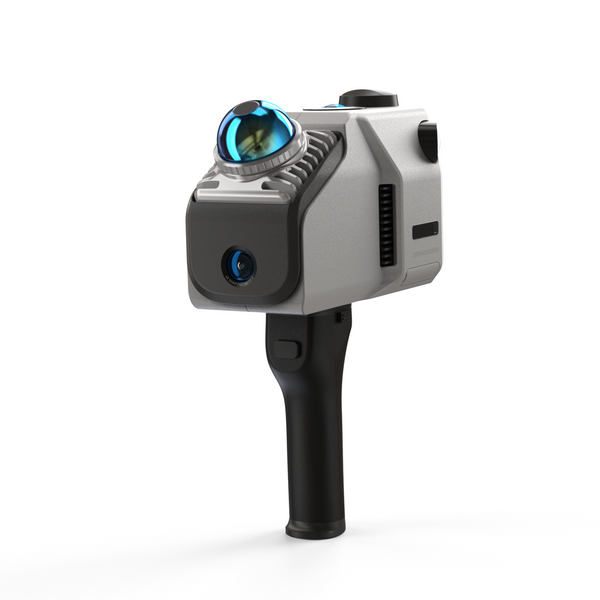
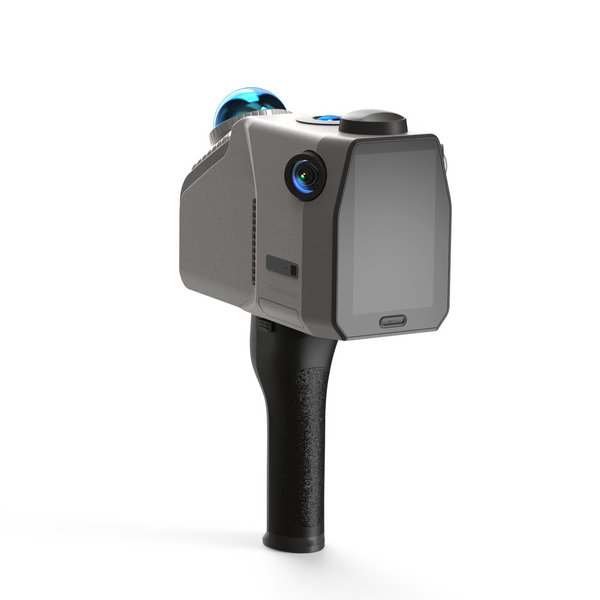
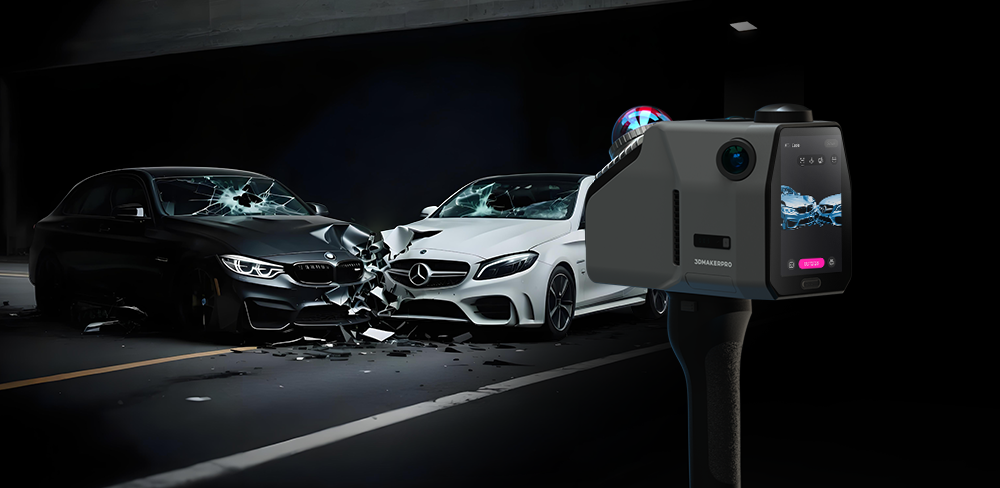
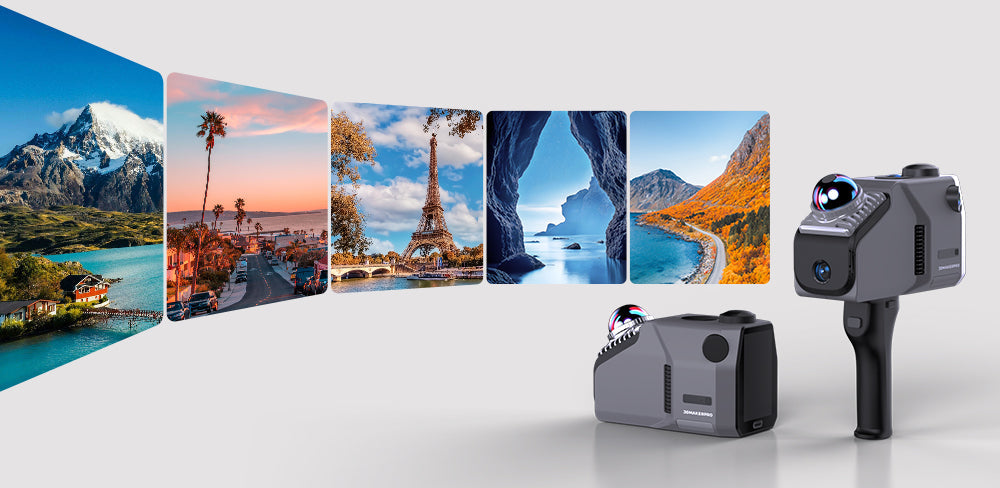
Eagle LiDAR Scanner
All-in-onePhase-Shifting TechPre-order