JMStudio — Built for Your Scanner
The exclusive 3D scanning software by 3DMakerpro. Real-time capture, one-click optimization, and seamless export to STL, OBJ, PLY & ASC formats.


Secure up to 20% OFF today! Please note our pre-order shipping schedule:
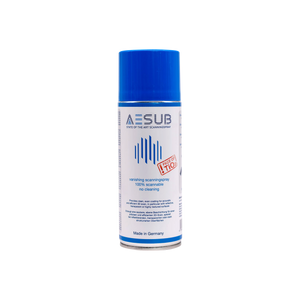
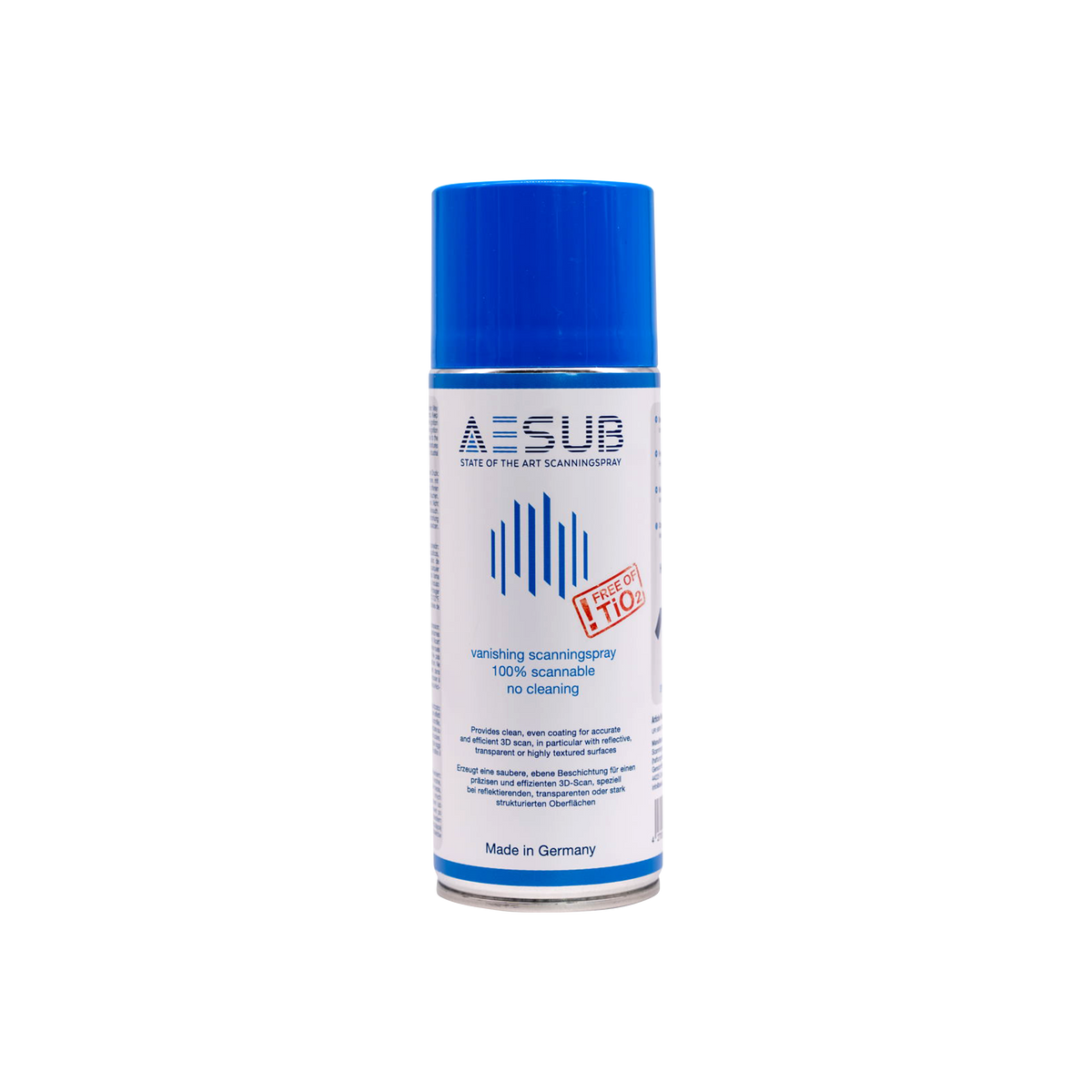
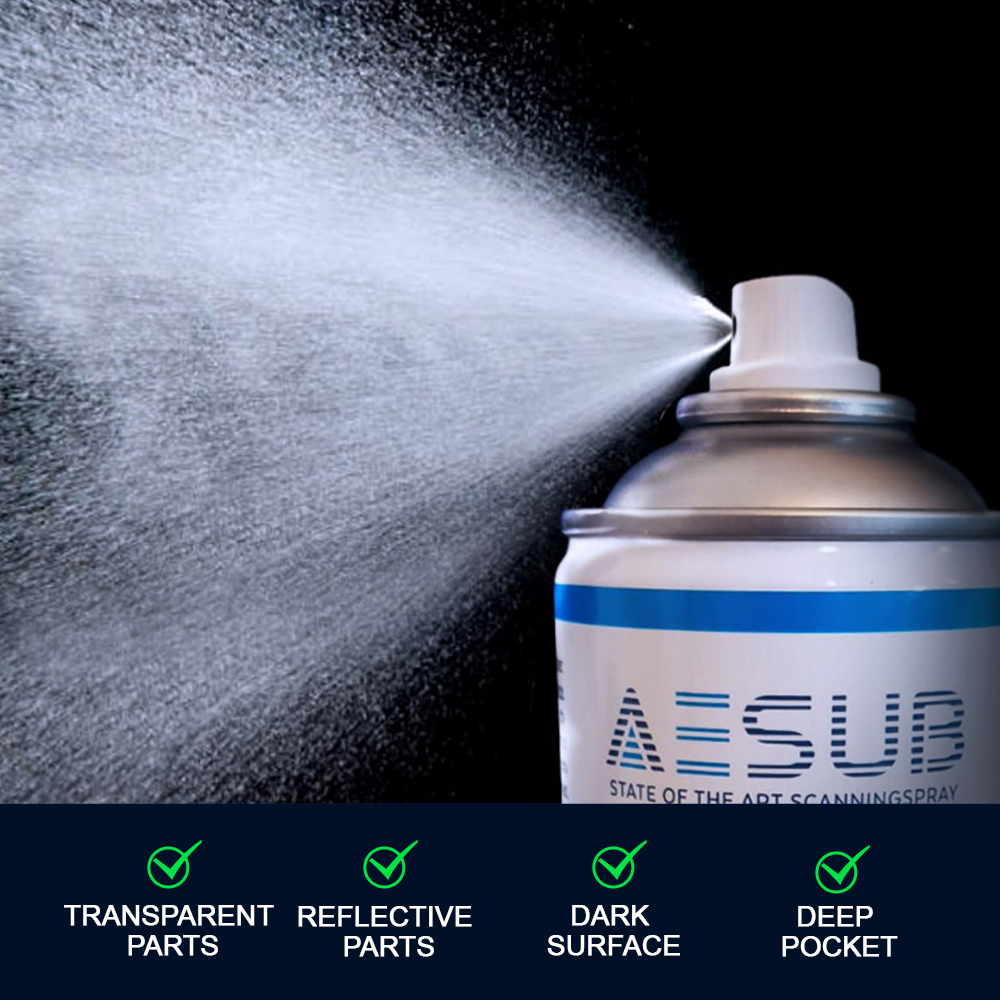
AESUB Blue Scanning Spray 400 ml
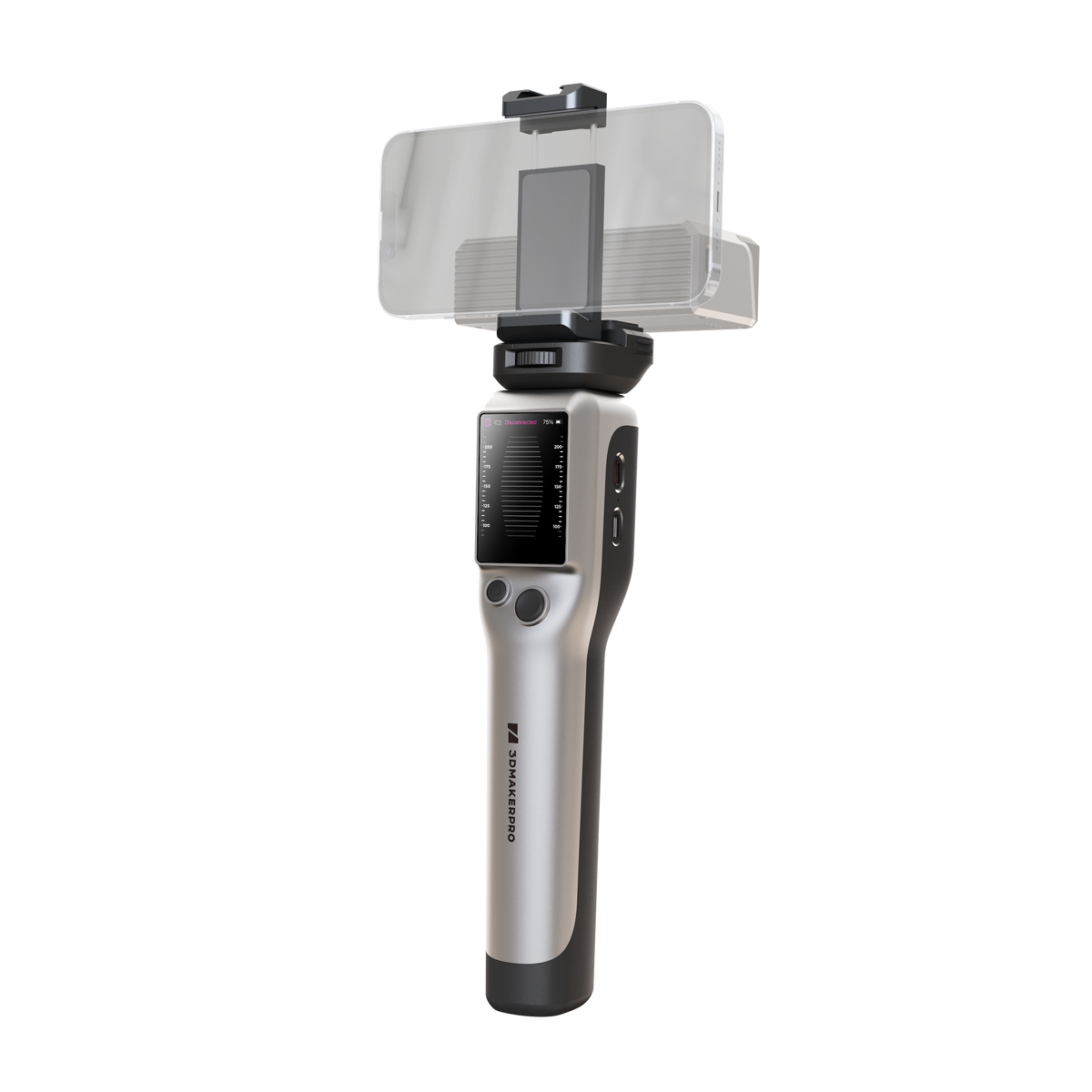
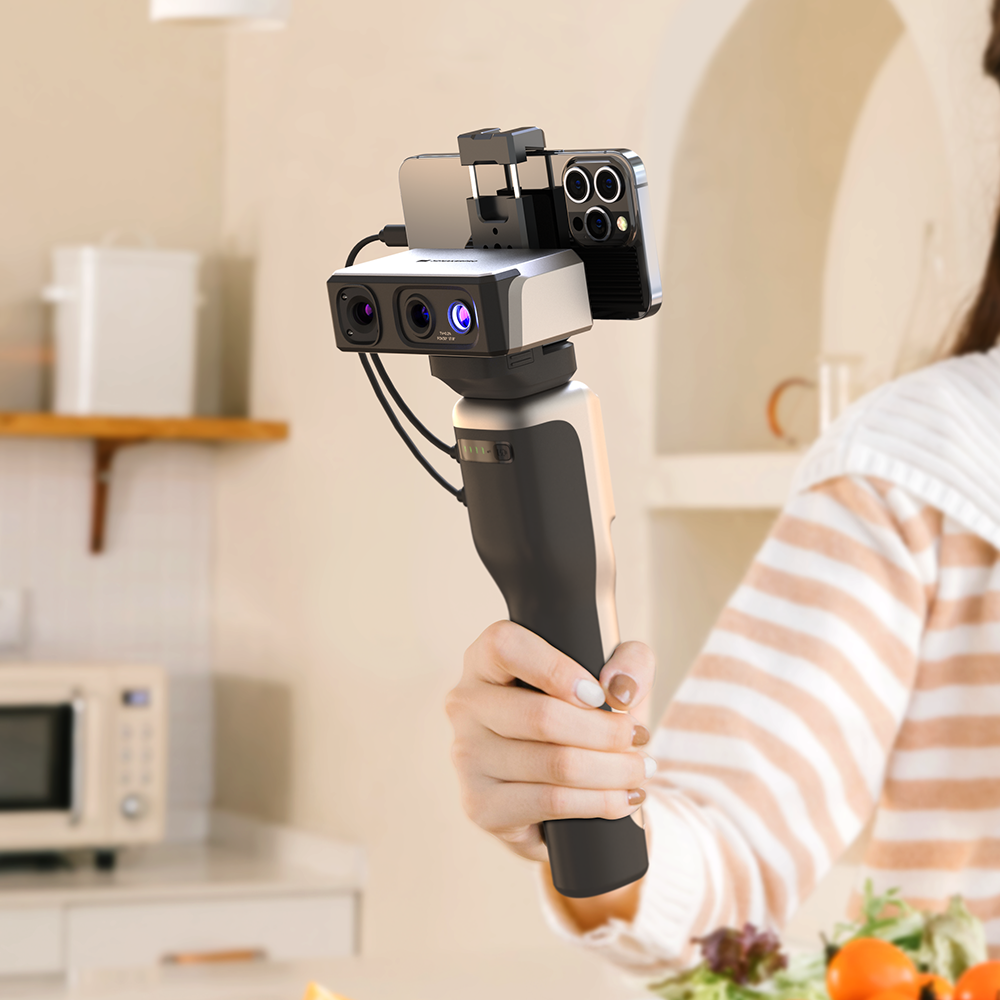
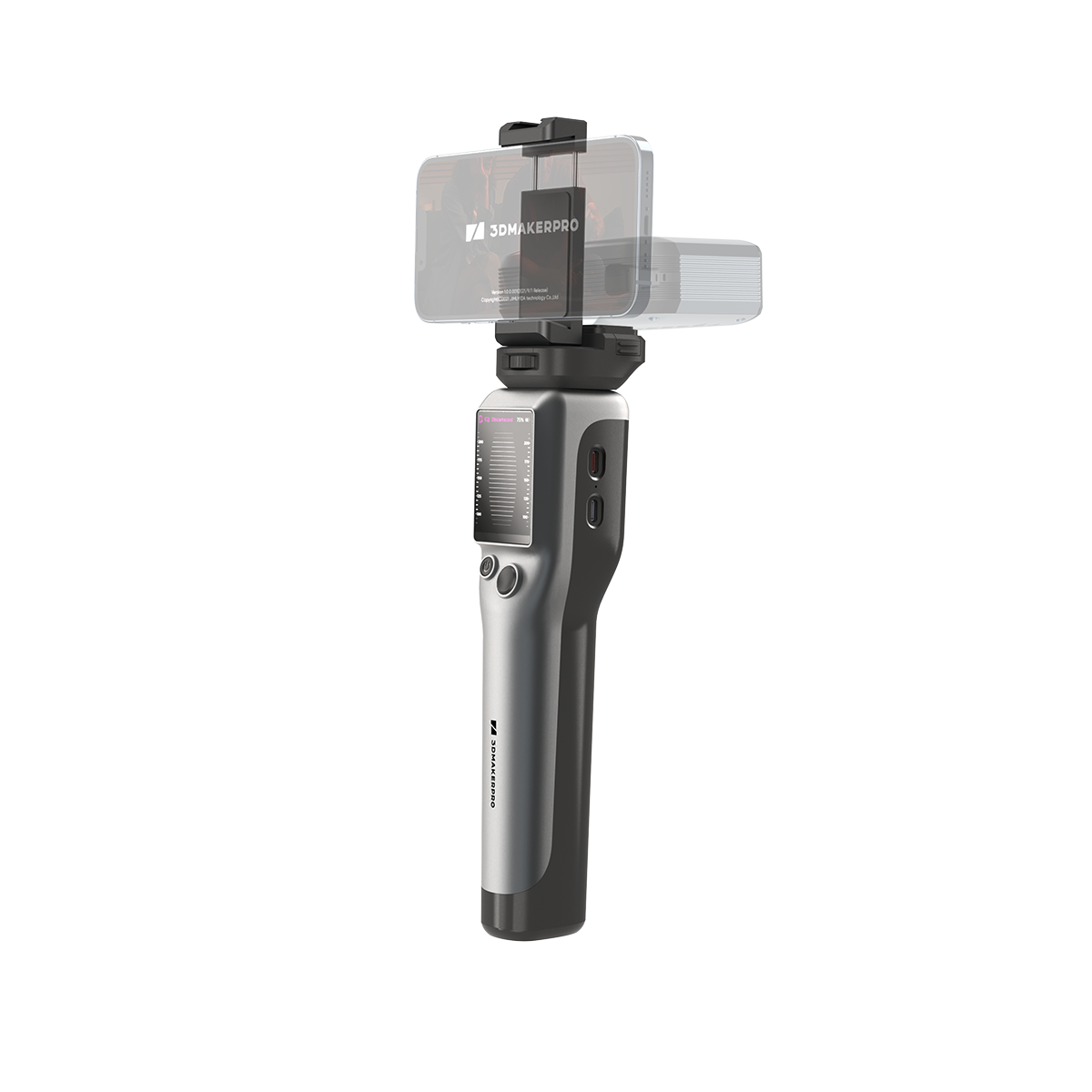
Smart Grip
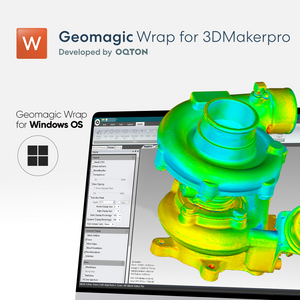
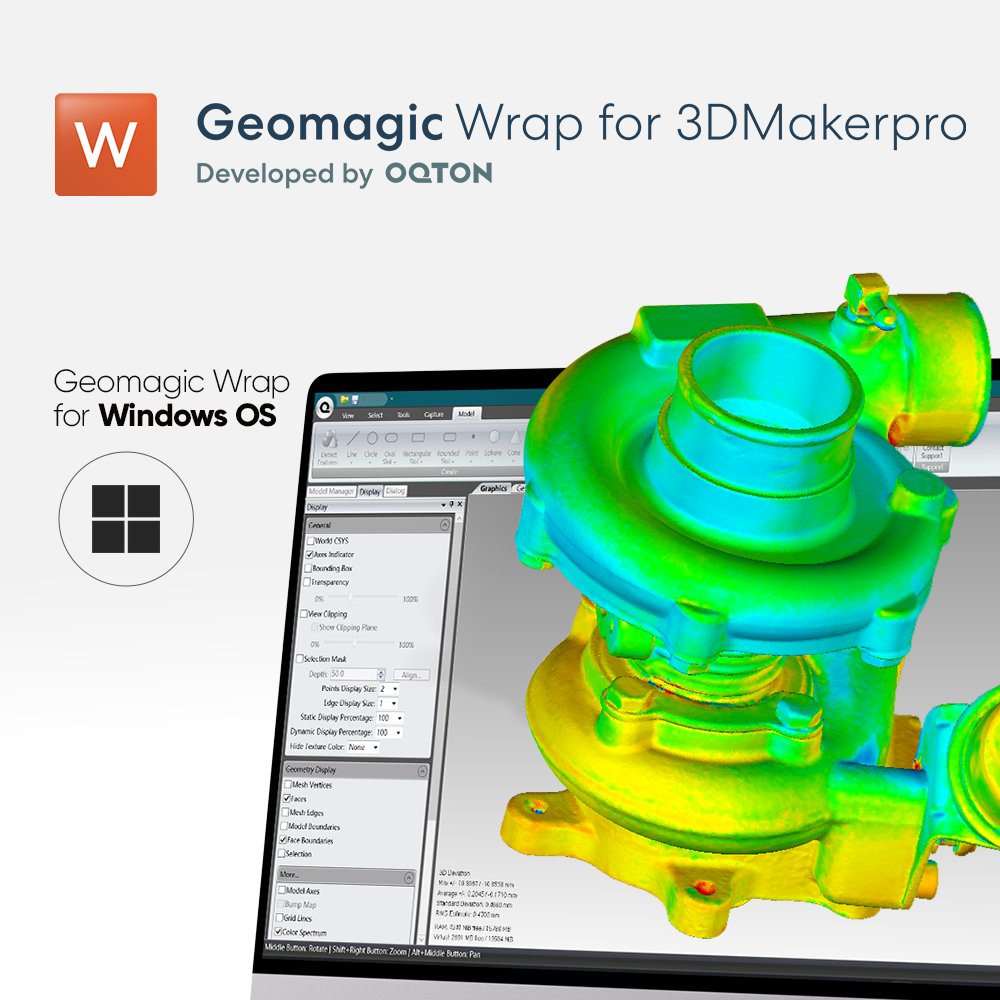
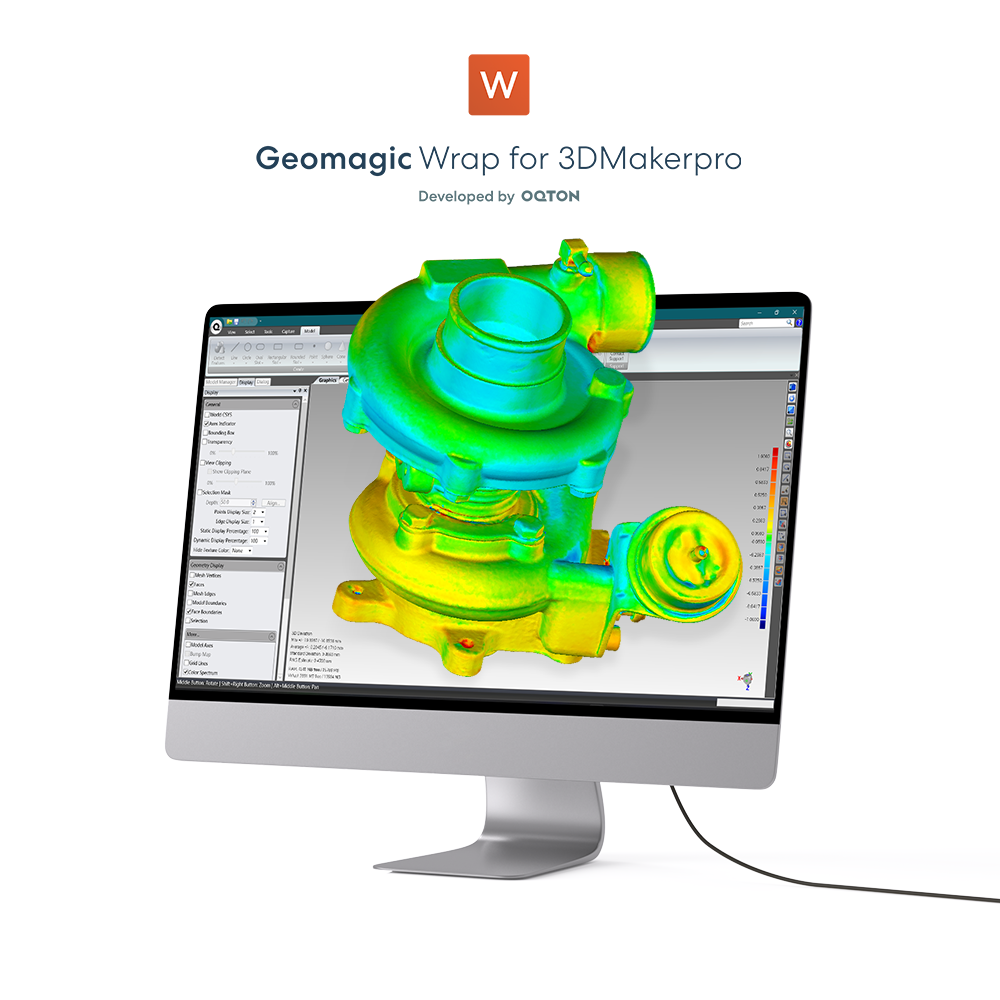
Geomagic Wrap for 3DMakerpro (Essential)
Two-year warranty
Free Scanning Software


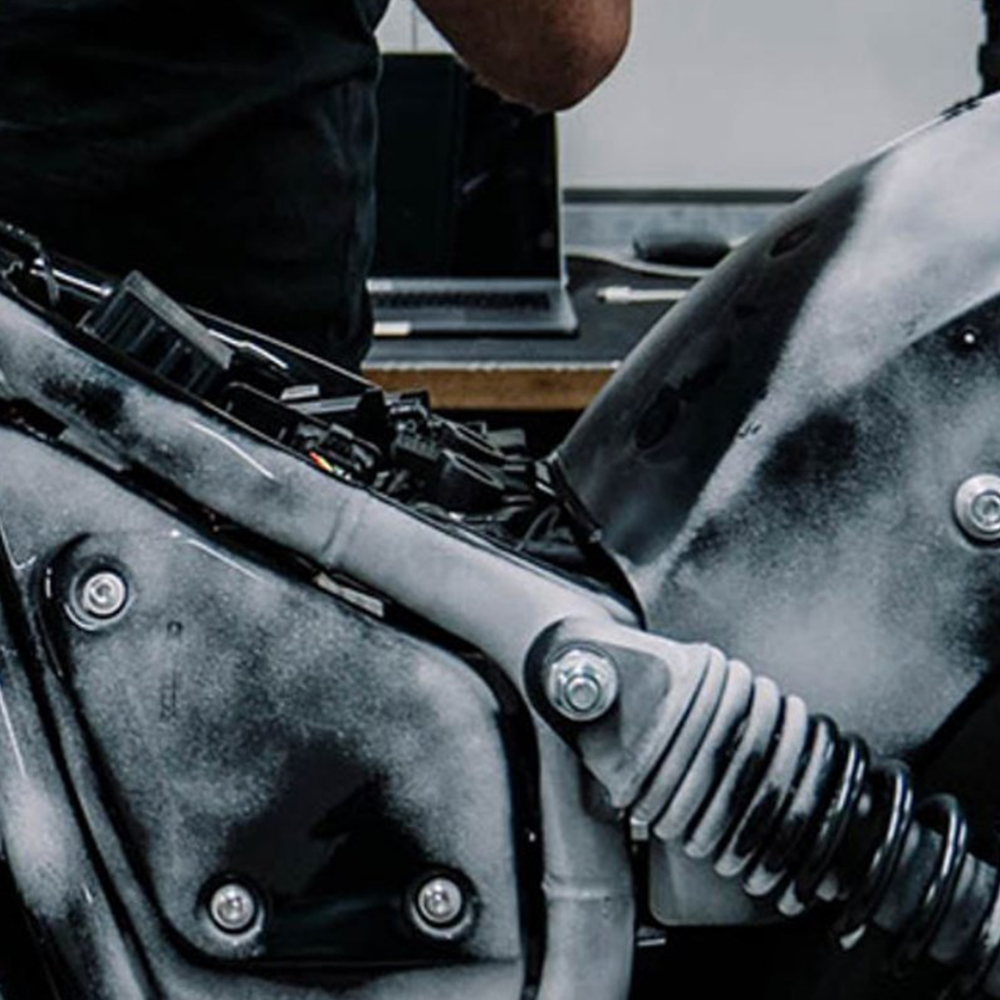
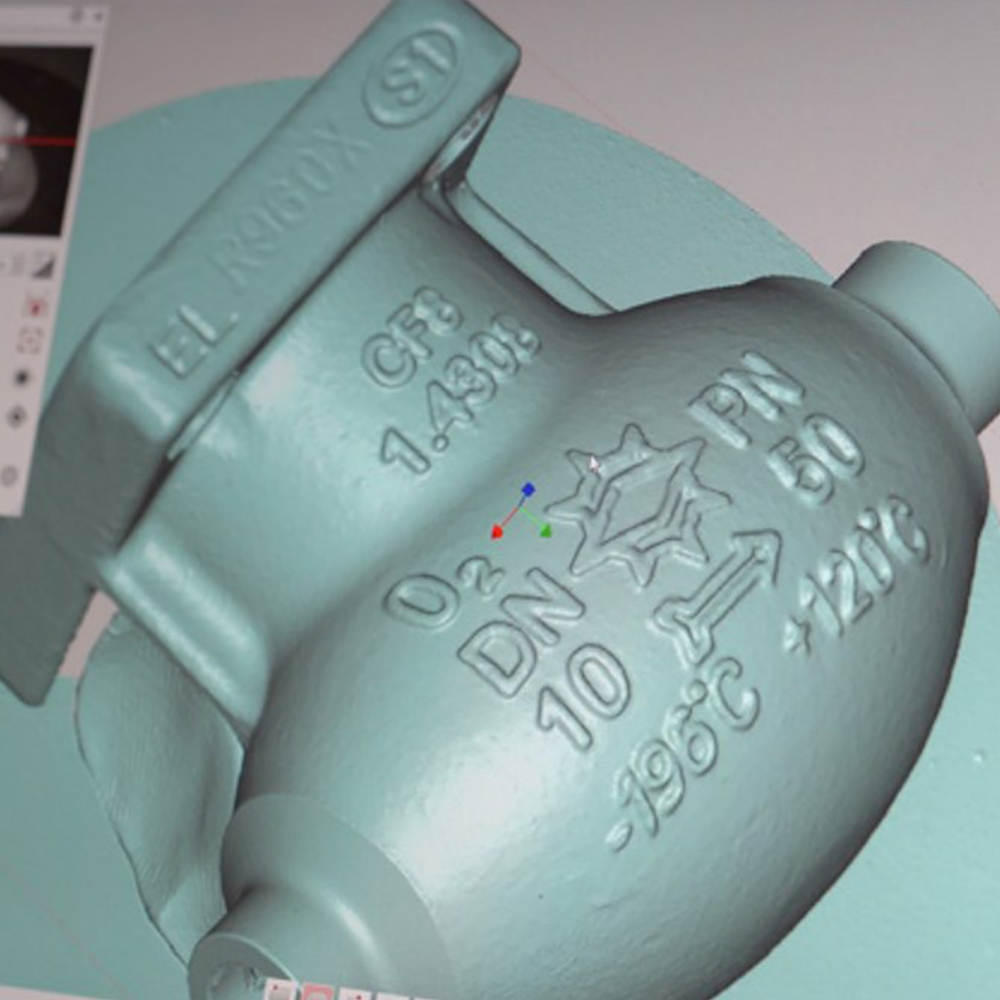
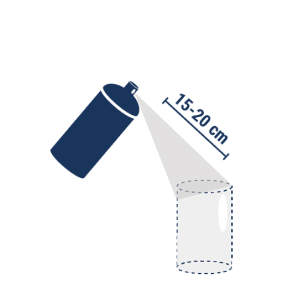
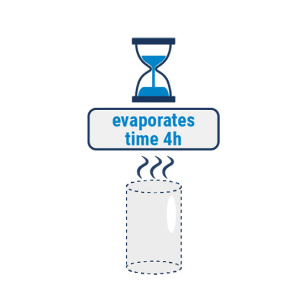
AESUB blue is a self-vanishing scanning spray developed by scanning experts. The spray evaporates within a few hours, meaning that there is no need for cleaning after scanning. Unlike traditional sprays, AESUB blue does not contain pigments and thus avoids pigment-contamination of sensitive areas, such as laboratories and production sites, equipment and users. You can therefore apply AESUB blue directly, on spot of scanning, without any costly transport to avoid said pigment-contamination in sensitive areas. Overall, AESUB blue greatly increases efficiency and productivity within the digitizing processes.


Overview


|
Essential |
Lite |
|
Import neutral 3D scan formats (STL, OBJ, PLY, XYZ, PTS) |
| Export neutral CAD formats (STEP, IGES) | Export neutral CAD formats (STEP, IGES) |
| Basic Scan-to-Scan Alignment and Refinement | Basic Scan-to-Scan Alignment and Refinement |
| Scan to World Coordinate System Alignment | Scan to World Coordinate System Alignment |
| Point Cloud Editing | Point Cloud Editing |
| Polygon Healing and Refinement | Polygon Healing and Refinement |
| Cross Section through Models | Cross Section through Models |
| Accuracy Analysis for 3D Solids | Accuracy Analysis for 3D Solids |
| 3D Measurement Tools | 3D Measurement Tools |
| Automatic Prismatic Feature Detection and Extraction | / |
| Constrained Prismatic Feature fitting to Scans- Point, Line, Plane, Sphere, Cone, Torus, etc. | / |
| Export of fit features in neutral CAD formats | / |
| 3D Curve Drawing and Editing | / |
| Automatic Surfacing - Fast Polygon to CAD conversion | / |


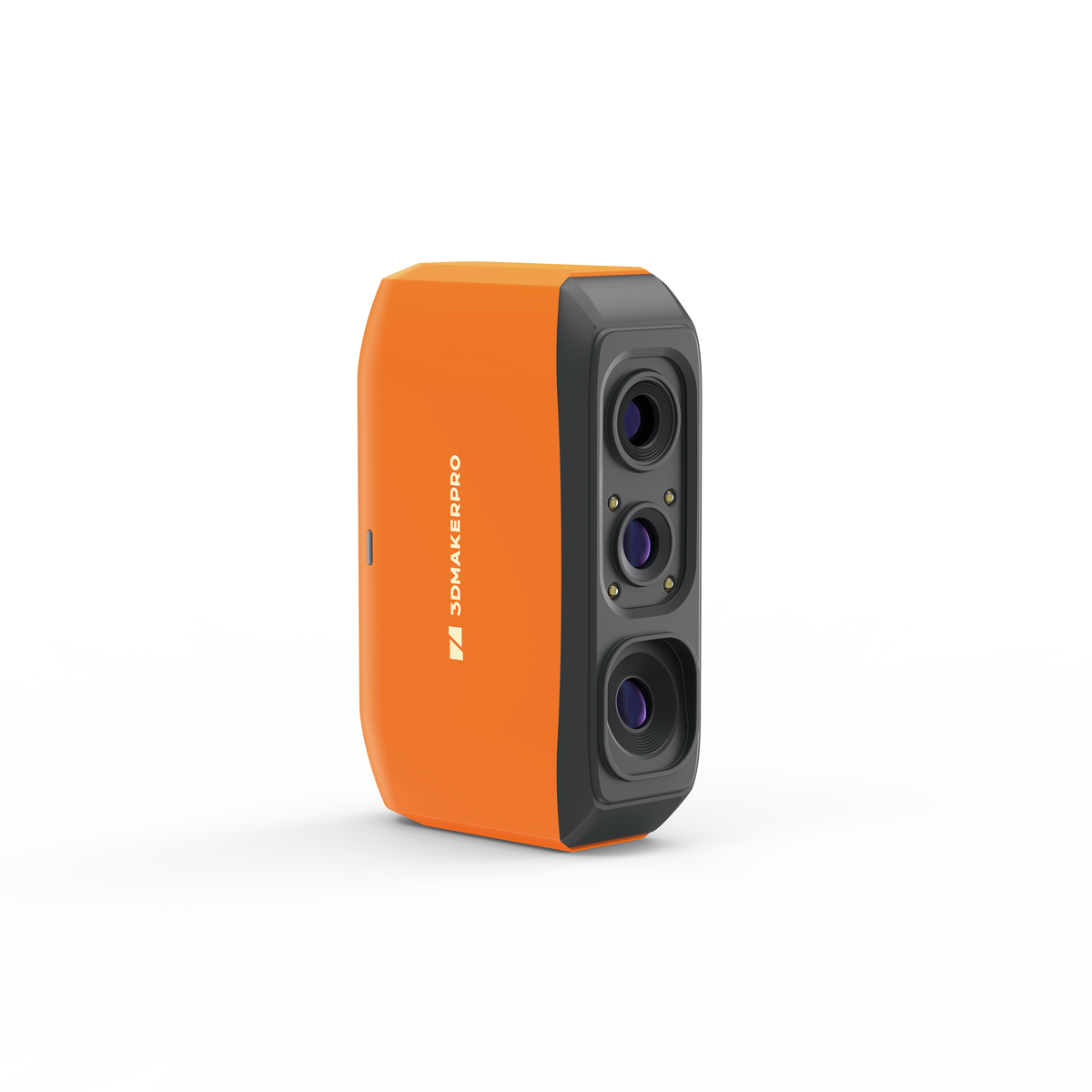
At 0.07mm accuracy and 0.10mm resolution, Fox outperforms typical entry-level scanners. It captures the kind of detail that makes your 3D scans truly useful — holding up under the closest scrutiny for effortless 3D printing, modeling, precise 3D measurement, and quality inspection.
Scan with confidence.
The Fox scanner + JMStudio 3D scanning software handle the hard parts — so you don't have to. Built on the same proven ecosystem trusted by tens of thousands of 3DMakerpro users.
01 — REAL-TIME GUIDANCE
No guessing. No blind scanning. JMStudio shows you a live 3D preview while you work, with on-screen indicators for distance and tracking status. First scan? The guided setup walks you through every step, making it the ultimate beginner-friendly 3D scanner.
02 — SMART RECOVERY
Moved too fast during a handheld 3D scan? No problem. Fox's markerless AI feature recognition relocks onto your object in seconds. Just point the scanner back at the area you've already scanned — the software picks up where you left off. No need to start over.
03 — One-click processing
After your scan, our beginner-friendly 3D scanning software, JMStudio, auto-corrects misaligned point clouds. Then, a single click runs the full processing pipeline — fusion, noise removal, and mesh simplification — to deliver a clean, 3D print-ready model. No manual cleanup. No expertise required.
04 — Handle more surfaces, with less prep
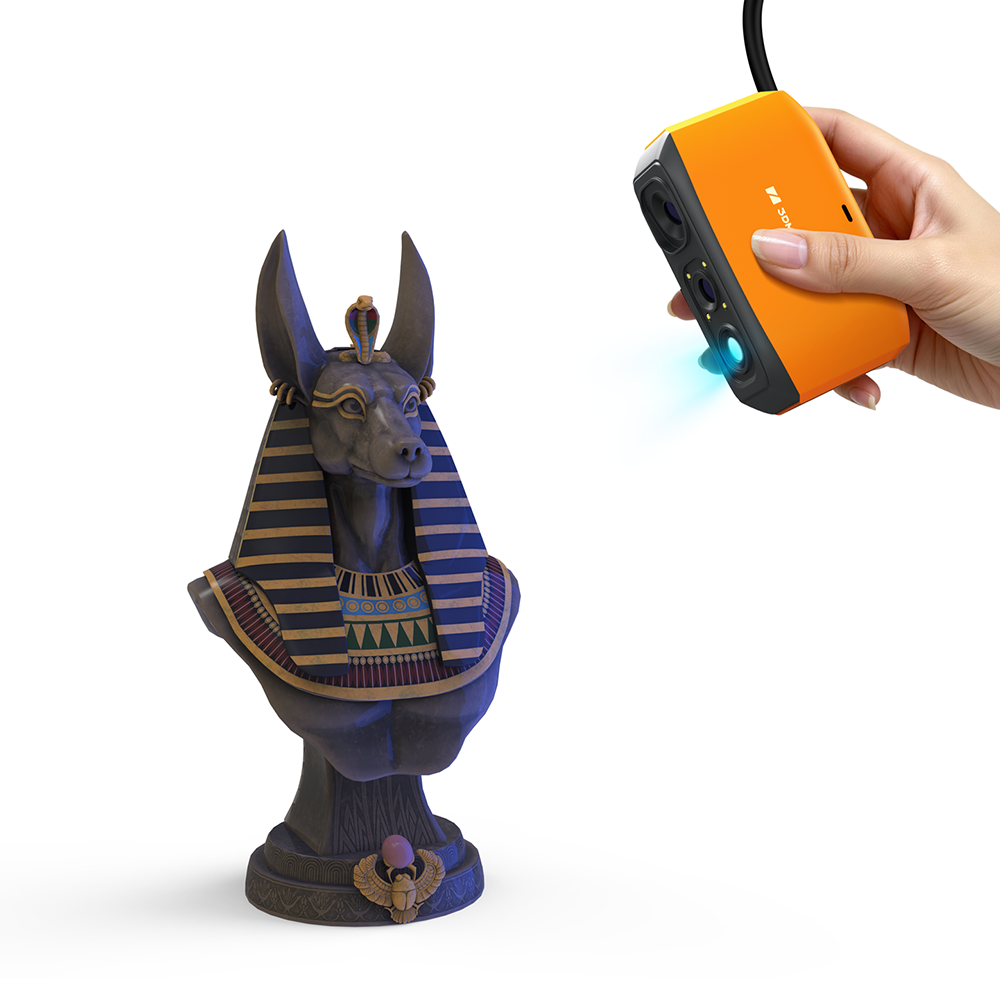
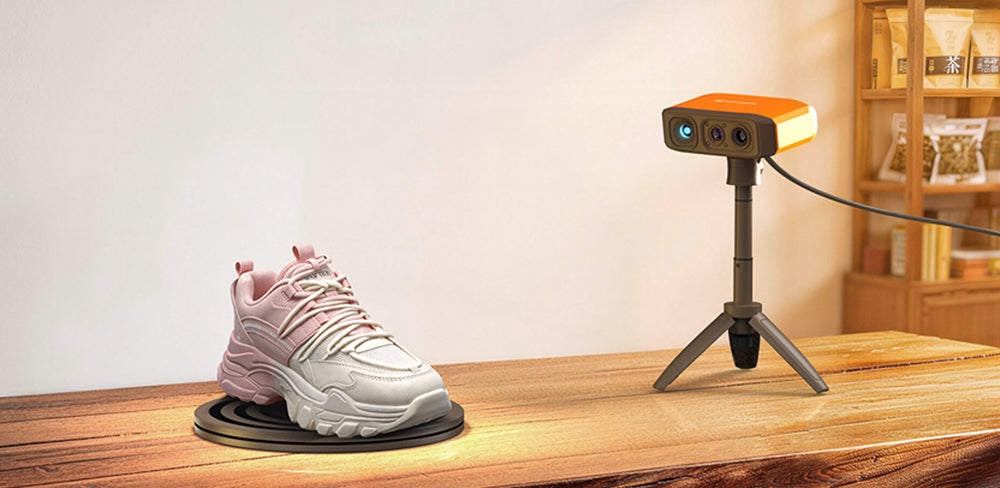
Matte dark surfaces. Brushed metals. Painted parts. Fox's NIR algorithm works well on everyday surfaces that typically require scanning spray, delivering a near spray-free 3D scanning experience. That means less prep time and more successful first attempts for common objects—from figurines for 3D printing to mechanical parts for reverse engineering.
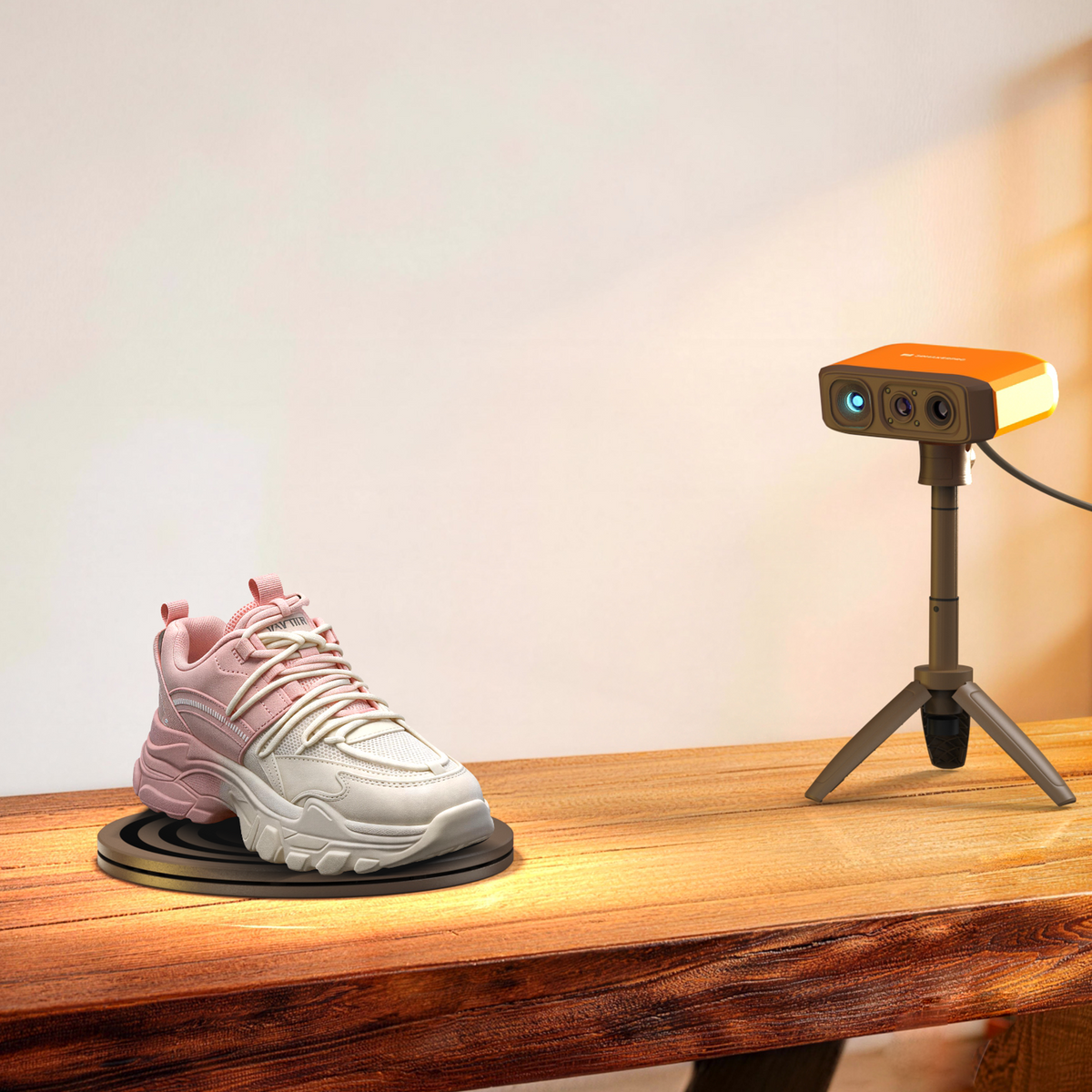
No calibration board. No setup wizard maze. Plug the Fox handheld 3D scanner into your PC or Mac, open JMStudio, and the software auto-downloads your calibration file. You're scanning in under 10 minutes — making it the ultimate beginner-friendly 3D scanner.
Plug in
USB to your PC or phone (Requires Smart Grip)
Auto-calibrate
JMStudio handles it for you
Start scanning
Guided workflow kicks in
Capture on
Process & export on
From connection and calibration to optimization and export, JMStudio keeps your entire scanning workflow simple and guided.
The exclusive 3D scanning software by 3DMakerpro. Real-time capture, one-click optimization, and seamless export to STL, OBJ, PLY & ASC formats.
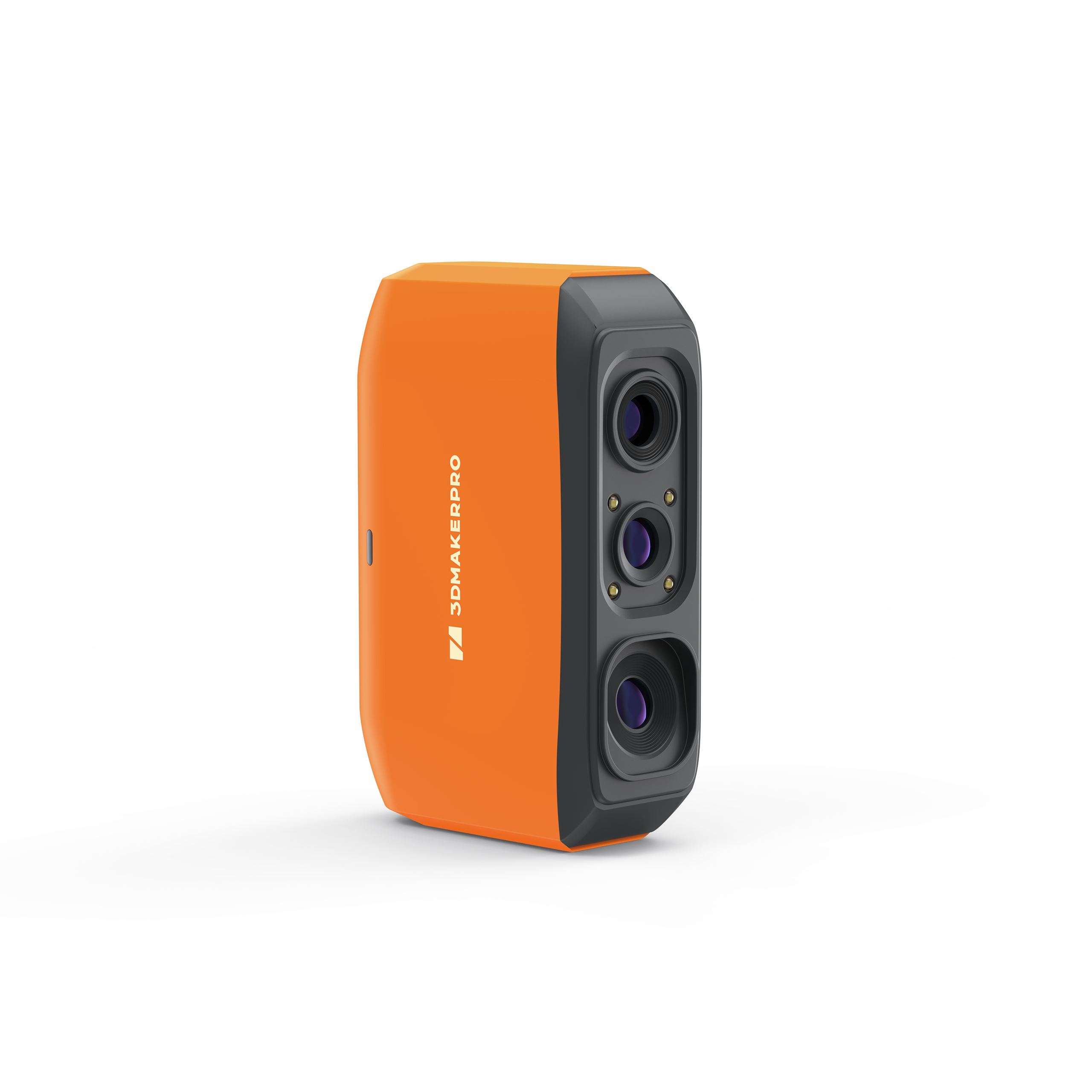
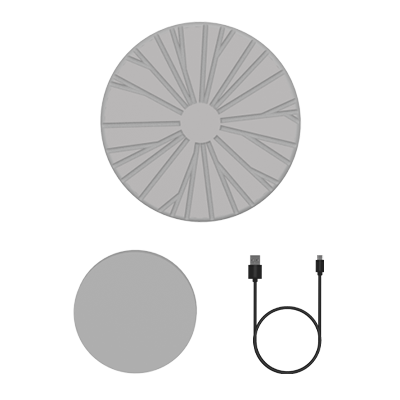
Fox 3D Scanner
× 1
Manual Turntable
× 1
Power Adapter & Cable
× 1
Manual Turntable
× 1
Power Adapter & Cable
× 1
Manual Turntable
× 1
Power Adapter & Cable
× 1
Objects from 40mm to 1,200mm — shoes, figurines, mechanical parts, hands/faces, sculptures, and more. Transparent or highly reflective surfaces benefit from a light coat of scanning spray. Very small (under 40mm) or very large (over 1,200mm) objects aren't ideal.
Yes. 0.07mm accuracy means the dimensional error of your scan is smaller than what most FDM printers can reproduce. For resin printers with finer detail capability, Fox's 0.10mm resolution ensures the scan captures enough surface detail. In most cases, the printer is the bottleneck — not the scan.
Yes. Thanks to the advanced NIR light source, the Fox excels at capturing matte, dark-colored surfaces that are typically difficult for scanners. Overall, its performance is well-balanced and powerful enough to handle most everyday scanning tasks with ease.
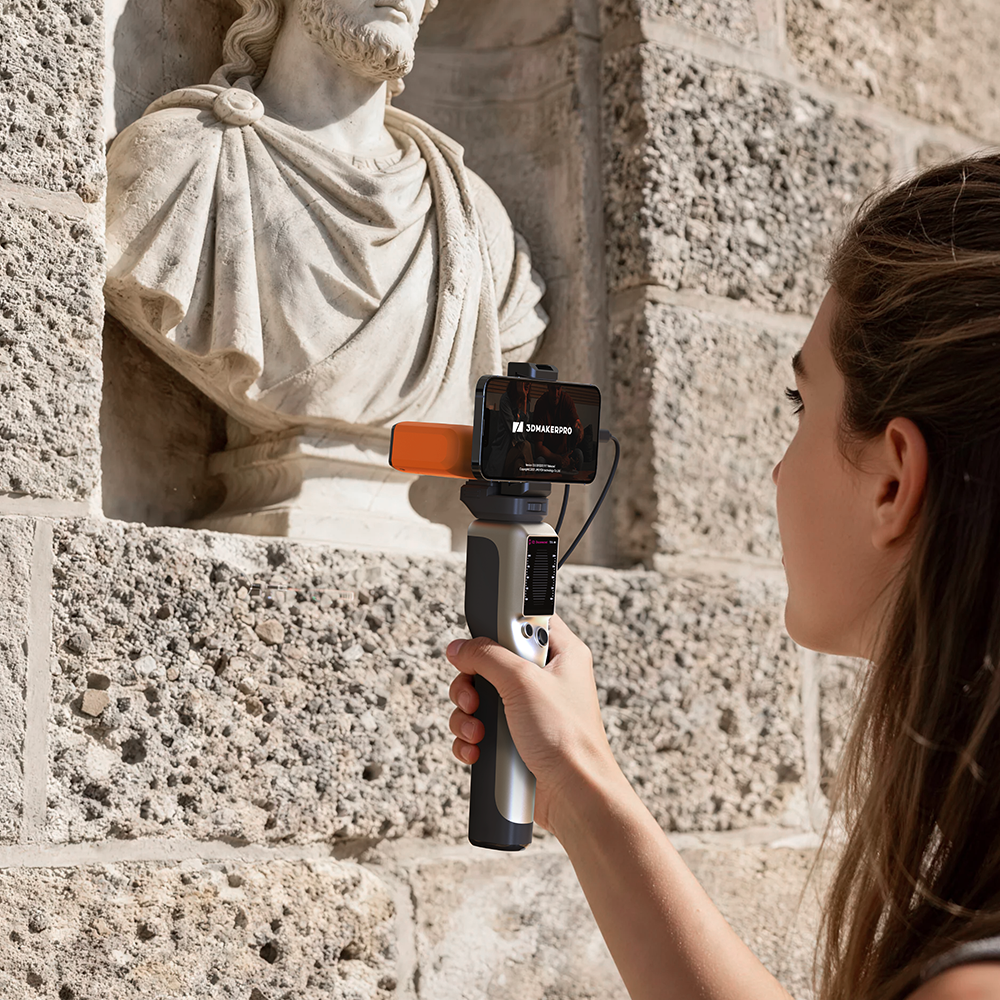
Yes. With the free JMStudio app (Android 10+/iOS 15+) and the Smart Grip accessory, you can scan anywhere without being tethered to a wall outlet or PC. This setup uses lightweight cables to connect all devices. Please note that mobile is for data capture only—think of your phone as the camera; your PC serves as the "darkroom" for all processing, editing, and exporting.
No. All 3DMakerpro scanners, including Fox, use the free JMStudio software. There are no hidden fees or subscriptions for scanning or processing. You can find comprehensive tutorials on our website, and we will be releasing even more dedicated Fox-specific guides soon.
Don’t worry, the Fox is a beginner-friendly 3D scanner. Most first-time users get the hang of it in under 10 minutes. You just need to keep the scanner within the ideal working distance (150–400mm)—the on-screen guide will provide real-time distance alerts to help you stay on track. Plus, with our "Smart Resume" feature and upcoming expanded product guides, you’re well supported. We’re here to help you every step of your 3D scanning journey!
Both the Fox and Moose Lite are powered by the same NIR light source, share the same 200x100mm single-capture range and 0.10mm resolution, and maintain the same device compatibility.
The differences are in precision, weight, and aesthetics: the Fox is designed in a vibrant orange, weighs 210g, and provides 0.07mm accuracy; the Moose Lite features a classic grey finish, weighs 250g, and delivers a higher precision of 0.05mm.
If you are a beginner seeking the best balance of portability, cost-efficiency, and fashionable design, the Fox is your ideal choice. If your work requires that extra level of detail and stricter dimensional accuracy, the Moose Lite is the recommended upgrade.
Not for the actual scanning or processing. Your scan data is stored locally on your device, ensuring complete privacy. An internet connection is only necessary if you choose to log into your account, download software updates, or transfer scanned files from your mobile device to your PC. If you prefer to stay offline, you can simply use the "Guest" mode to complete the process.
Yes. Once you export your scan as an STL file, it can be imported directly into any standard slicing software for 3D printing. No extra conversion steps are required
You are in full control! If you are scanning an object with intended hollows or holes (such as lattice structures or multi-part assemblies), simply turn off the "Repair Gaps" feature in the processing options. You can also use our manual mesh editing tools to refine the model exactly how you want it.
Fox scanner, GaN 65W fast charger, USB cable, manual turntable, and calibration board. Everything to start scanning on your desk right away.
We offer a 2-year warranty on all 3D scanner purchases. If you encounter any technical issues or hardware defects within this period, our support team is ready to help via email to ensure you get back to scanning as quickly as possible.
Shipments are expected to begin in early June from our local warehouses, with delivery taking just 1-2 weeks.